

Billing Bee AI Invoice: Features, Pricing, and Control Gaps
BillingBee turns plain-language instructions into invoices and advertises automated collections. Here is how to evaluate its usefulness without confusing invoice generation with financial authority.
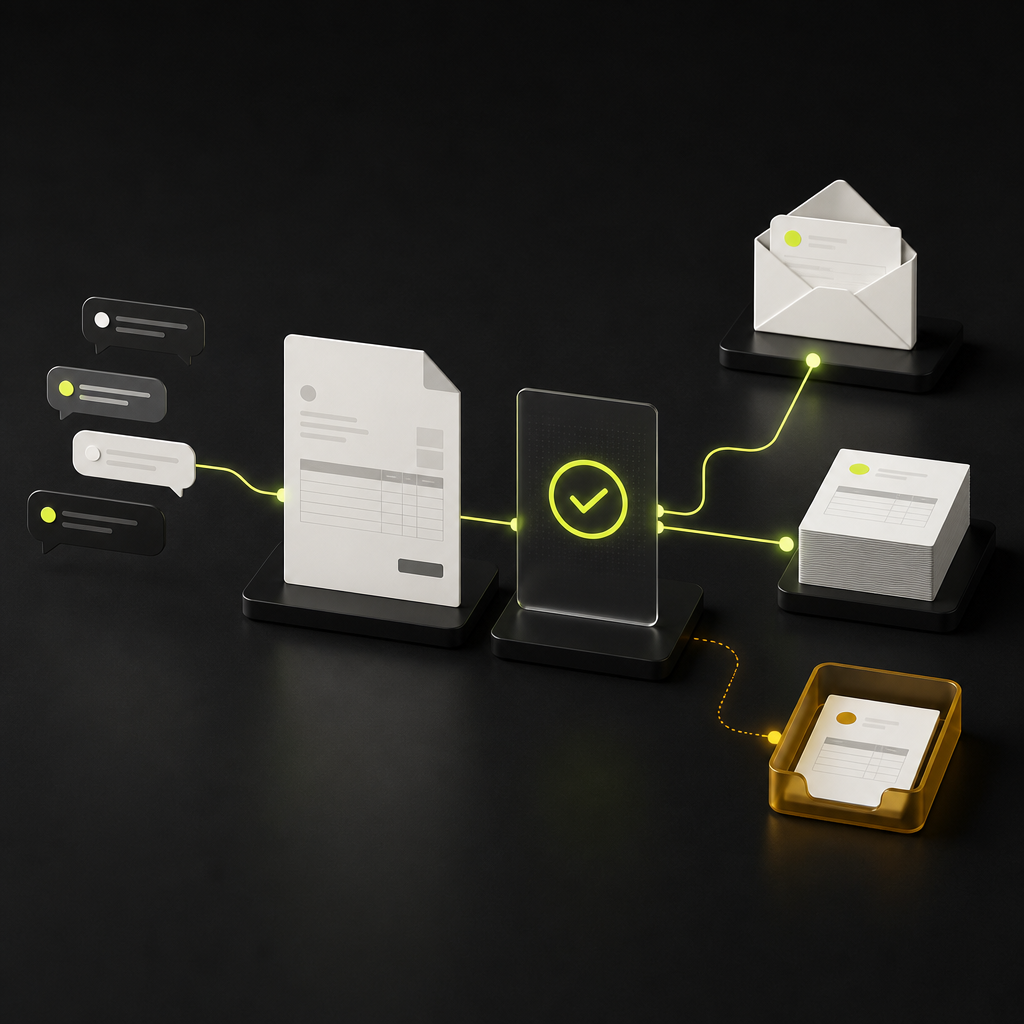
BillingBee’s AI invoice feature creates invoices from plain-language instructions describing the customer, work, amount, and payment terms. Aimed at freelancers and small businesses, the platform also advertises proposal drafting, payment collection, and revenue forecasting. For finance teams researching billing bee ai invoice, the essential distinction is this: generating an invoice does not establish that its contents are correct or authorize every subsequent collection action.
BillingBee is principally a customer-billing and accounts-receivable tool, not evidence of an end-to-end accounts-payable agent. Its potential value is reducing billing administration. Its suitability depends on whether you can control what gets sent, how disputes stop reminders, and how payments reach your accounting records.
What BillingBee’s AI invoicing actually does
BillingBee’s UK AI invoicing page describes creating an invoice from a prompt such as “Invoice Acme Corp £2,400 for 3 days of brand consulting, net 30.” This illustrates natural-language input becoming structured billing data.
That transformation can eliminate repetitive entry. It does not, by itself, verify the customer’s legal identity, establish whether the work was accepted, or determine the correct tax treatment. Those facts must come from approved records rather than a model’s inference.
On its product website, BillingBee presents a broader client-revenue workflow: AI-written proposals, invoice drafting, payment links, six escalating collection reminders, and a revenue forecast covering the next 90 days. These are vendor-described capabilities, not independently established performance results.
Evaluate them as separate functions:
- Drafting: converts instructions into proposed invoice fields and wording.
- Billing execution: issues a document with an identifier, date, balance, and payment instructions.
- Collections: contacts customers based on invoice status and elapsed time.
- Forecasting: estimates future receipts using payment history.
A product can perform the first function well while still requiring substantial human oversight for the others.
Is this agentic AI or automated billing?
Natural-language drafting is a generative AI capability. Scheduled reminders are workflow automation. Neither alone proves that software can reason through a dispute, reconcile conflicting records, and safely choose its next action.
A meaningful agentic capability would respond to changing circumstances within defined permissions. For example, it might identify that a customer has disputed a line item, pause the collection sequence, request supporting evidence, and route the case to an owner. The supplied research does not establish that BillingBee performs that complete workflow.
Buy the demonstrated action, not the agent label. Ask the vendor to show what triggers each action, which records it reads, what it may change, and what happens when information is missing. A predictable reminder schedule may be entirely sufficient for a freelancer; a controller overseeing multiple entities needs a different level of evidence.
Where automation should stop
The following is a recommended control model for evaluating BillingBee, not a statement that these controls are available in the product.
| Workflow stage | Reasonable automation boundary | Human approval or exception | Evidence to request |
|---|---|---|---|
| Invoice draft | Populate from approved customer and contract data | Ambiguous scope, rate, or customer | Source fields and edit history |
| Tax and currency | Apply configured, validated rules | Unresolved jurisdiction or tax status | Tax configuration and calculation |
| Invoice issuance | Send approved, unchanged drafts | New terms or material changes | Approval tied to sent version |
| Payment reminder | Send approved wording on eligible balances | Dispute, payment claim, or escalation | Status check and pause log |
| Cash application | Match unambiguous payment references | Partial, combined, or unclear payments | Payment-to-invoice allocation |
| Refund or write-off | Prepare a recommendation | Authorized financial decision | Approver and accounting record |
Keep invoice data separate from instructions
Customer emails and project descriptions can contain requests to change prices, terms, or payment details. Treat that material as evidence to inspect, not authority to obey. An AI drafting workflow should not silently turn “please use these new bank details” into updated payment instructions.
Ask whether payment destinations are managed separately from free-text prompts and whether changes require verification. The same principle applies when a customer requests a discount: a request is not an approved contract amendment.
Make approval apply to a specific invoice version
If the amount, customer, currency, tax, or payment destination changes after approval, the earlier approval should not remain valid for the altered document. Require a new review for material changes and preserve the original record.
This is a policy requirement, not simply an interface preference. Finance teams designing broader controls can use configurable approval policies to define authority across spend and payments; buyers should separately verify what BillingBee supports within its own billing workflow.
The most important collections test: can it stop?
An escalating reminder sequence is useful only if eligibility is checked before each message. A due date alone is not enough. A customer may have paid, disputed the service, received a credit, or agreed to revised terms.
Ask for a demonstration of these scenarios:
- A payment arrives after a reminder is queued but before it is sent.
- A customer replies with a dispute rather than a payment commitment.
- A partial payment leaves an open balance smaller than the original invoice.
- An account manager pauses collections while resolving a service issue.
- A revised invoice replaces the original document.
The acceptance condition should be observable: the next message is suppressed or corrected, the reason is recorded, and an owner receives the exception. Do not assume BillingBee offers each behavior because it advertises automated reminders.
Also separate payment acceptance from usable cash. A successful checkout, processor settlement, bank receipt, and accounting allocation are different events. Confirm which event changes the invoice status and stops collection activity.
Pricing and tax claims: what remains uncertain
The research gathered on November 18, 2026 found inconsistent pricing. BillingBee’s website referenced a Pro tier at USD $4.99, while GetApp’s BillingBee listing showed a starting price of $9.99 per month. The supplied evidence does not reconcile the plans or establish the billing period attached to the $4.99 figure.
Request current written pricing rather than treating either number as a confirmed quote. Check document limits, the meaning of a billable document, user access, AI usage, payment-processing charges, and export availability. Low subscription cost does not answer whether the workflow fits your controls.
Similarly, BillingBee’s UK page markets VAT-ready invoicing. That is not a determination that a particular transaction has the correct VAT treatment. Confirm how the product handles your relevant rates, exemptions, customer locations, credit notes, and required invoice fields. Multi-currency document creation also does not establish local collection availability or the currency ultimately settled to your bank.
A practical BillingBee evaluation checklist
Use a controlled pilot with approved sample data before enabling customer-facing automation. These are proposed acceptance checks, not reported test results.
- Define the job. Decide whether you need faster drafting, recurring billing, collection reminders, or accounting reconciliation. Evaluate each separately.
- Trace the draft. Compare customer identity, scope, amount, currency, terms, and tax against the underlying agreement. Missing facts should trigger clarification rather than invention.
- Test changes. Alter a material field after approval and check whether sending is blocked pending renewed approval.
- Test collection exceptions. Introduce a dispute, partial payment, and payment received before reminder dispatch. Observe suppression and escalation behavior.
- Follow the money. Reconcile invoice value, processor deductions, settlement currency, and bank receipt. Confirm how outstanding balances are updated.
- Verify access and exit. Ask about permissions, data retention, AI data use, record exports, and retrieval of invoice and payment history.
- Document the gaps. Assign an owner and manual workaround to every required control the product cannot demonstrate.
Measure correction effort, collection exceptions, and unreconciled receipts—not just drafting speed. For a wider requirements framework, see the accounts receivable automation software buyer’s guide.
The decision: faster billing without unbounded authority
BillingBee may merit evaluation for freelancers and small businesses seeking prompt-based invoicing and automated follow-up. The available evidence does not establish enterprise-grade approval, exception-handling, or reconciliation controls; it also does not prove those controls are absent. Those are demonstration questions.
The practical next step is to test a complete invoice journey, including a dispute and a payment exception, before delegating customer communications. If your requirement extends beyond drafting into coordinated invoicing, collections, and reconciliation, explore Payouts.com’s accounts receivable automation against the same control checklist. The goal is not maximum autonomy. It is less administrative work without losing control of what customers owe and what cash has actually arrived.
Created with AI assistance. Sources are linked in the article; this content is general information, not legal, tax, or financial advice.
Related resources

Accounts Receivable Automation Software: A Buyer’s Guide
The right AR platform does more than send reminders. Use this buyer’s framework to test payment matching, exception handling, integration reliability, and the true cost of collecting cash.

Template.net AI Invoice Generator: A Finance Team’s Guide
Template.net can help turn billing instructions into editable invoice drafts. Finance teams should evaluate the document workflow separately from accounting, approval, and payment authority.

Agentic AI Payments: Design for Failure and Recovery
An AI agent can prepare and initiate a payment without knowing whether the supplier received it. Finance teams need a recovery model that prevents uncertainty from becoming duplicate payments, stale approvals, or unreconciled cash.
Run your entire money cycle on one ledger
Global payouts, AP/AR automation, and AI agents with their own wallets and spend limits.
Get started
Discussion
0 commentsBe the first to join the discussion.