

How to Withdraw Shopee Affiliate Commission: A Practical Guide
Receiving Shopee affiliate commission is not always a manual withdrawal. This Philippines-focused walkthrough explains payment setup, billing checks, and how to trace the money to your receiving account.
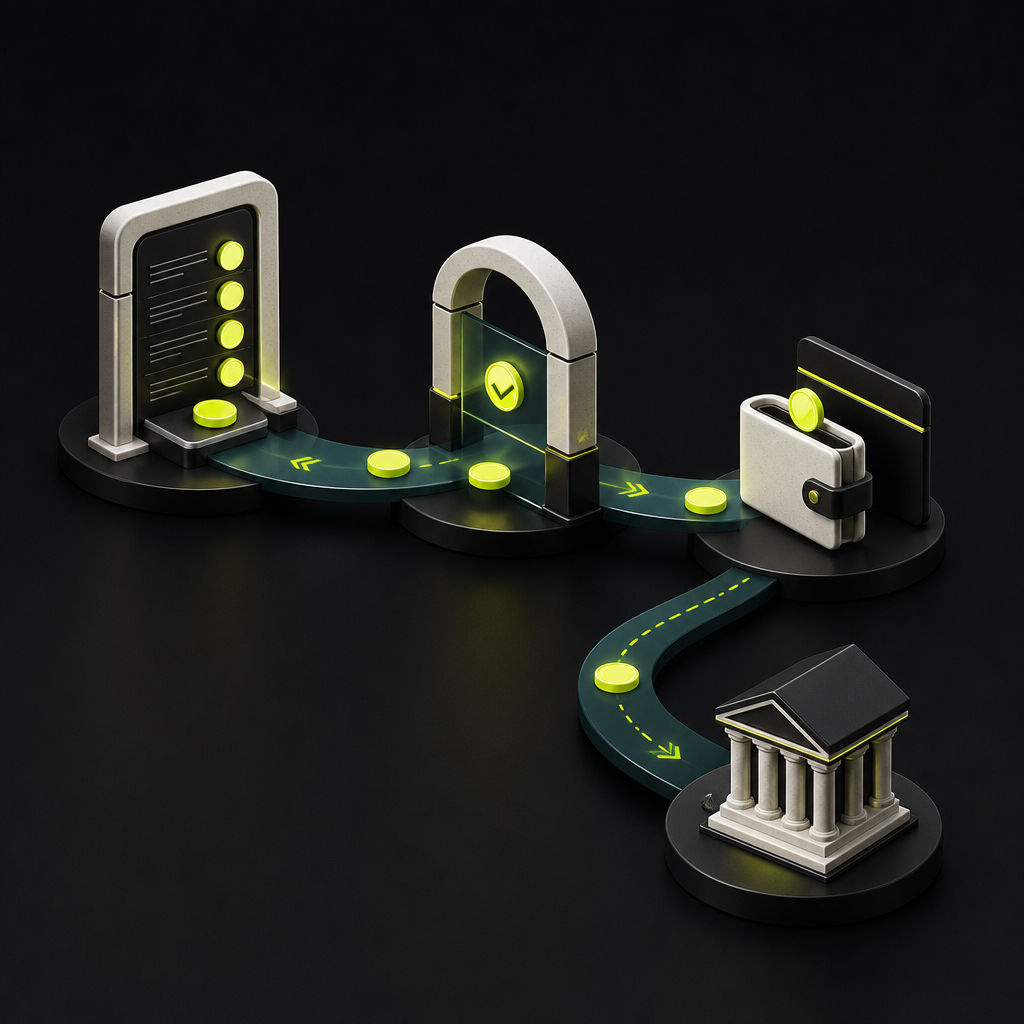
To withdraw Shopee affiliate commission, complete and obtain approval for your payment and tax information, check that your commissions have been validated, and monitor the payout in your affiliate dashboard. In the Philippines, the documented process is a platform-processed payout to the designated receiving account—not necessarily a withdrawal you initiate each time. If the money arrives in a wallet, transferring it onward is a separate transaction.
This guide focuses on the Philippines because the available official Shopee documentation is market-specific. If you joined another country's affiliate program, use that market's dashboard instructions for payment methods, minimum balances, and schedules. Do not apply Philippine steps or thresholds globally.
First, identify which money you want to withdraw
Three different balances can be confused with one another:
- Reported commission: earnings associated with orders that may still require validation.
- Commission in a billing cycle: the amount included in Shopee's payment workflow, with its own payout status.
- Money credited to your receiving account: funds already sent to your wallet or bank account.
The distinction determines your next action. A receiving wallet cannot release commission that Shopee has not yet paid. Equally, once Shopee has credited the receiving account, moving that money elsewhere is a wallet or banking task—not another affiliate commission withdrawal.
How to receive your Shopee affiliate commission
1. Open the correct affiliate account
Sign in through Shopee's official app or your market's affiliate portal. Confirm that you are using the account registered for the affiliate program, then locate its payment settings and billing information.
Do not follow seller-balance withdrawal instructions unless you are withdrawing seller proceeds. Affiliate commissions and sales revenue are different payment workflows. Menu labels can also differ between markets and app versions, so a missing button does not by itself indicate missing money.
2. Complete payment and tax information
Follow the checklist for your registration category in Shopee Philippines' Payment and Tax Details Submission guidance. Requirements vary by tax-registration status and may include identity documents, bank-account evidence, and relevant tax-registration information.
Check the status after submission. Uploaded is not the same as approved. If information is rejected or incomplete, address the specific request rather than repeatedly uploading the same files.
- Check names and account details against the supporting documents.
- Confirm that the designated receiving account is active and meets the verification requirements shown.
- Read any outstanding correction requests or submission deadlines.
- Keep a record of your submission and approval notices.
Shopee's Philippine affiliate terms make payment and tax information a condition of disbursement and provide for withholding where applicable law requires it. An earnings figure should therefore not automatically be treated as the amount you will receive.
3. Check the billing cycle, not just the earnings total
Open the Billing Page in your affiliate dashboard and select the relevant cycle. According to Shopee Philippines' Billing Page documentation, it shows total commission after fraud validation, an income breakdown, and the validation period. The documented process generates invoices every Thursday for the previous week's eligible commissions.
An invoice-generation date is not a guaranteed bank-credit date. Use the payout status to understand what happened after the commission entered billing. Save the cycle details so you can compare the same payment across the dashboard, notifications, and receiving account.
4. Take the action indicated by the payout status
The following labels are described in the Philippine Billing Page guidance linked above. The recommended actions are practical troubleshooting steps, not a promise of immediate release.
| Payout status | Documented meaning | Recommended next action |
|---|---|---|
| Unable to Pay | Valid payment and tax information needed | Resolve missing or unapproved information |
| Pending | Awaiting Shopee payment processing | Check cycle instructions and processing notices |
| Paid | Transferred to the designated account | Match against receiving-account history |
| Paid Failed | Payment attempt failed | Check account status and contact support |
The documentation names SeaBank and ShopeePay as receiving destinations. Use the destination displayed in your current account rather than assuming you can select any bank or wallet mentioned in an online tutorial.
Some community guides describe an acknowledgment email before payment, but the official help material cited here does not establish that as a universal requirement. Check authenticated account notifications and follow any instructions that apply to your cycle. Never share a password or one-time code with someone offering to release your commission.
5. Confirm receipt before transferring the money onward
When the billing status becomes Paid, inspect the transaction history of the designated receiving account. Match the credited amount and available reference details to the billing record; check deductions or adjustments if the amounts differ.
If you want to move money from ShopeePay to a bank or another destination, check the transfer options currently available in your wallet. Review verification requirements, supported destinations, charges, limits, and the displayed delivery estimate before confirming. Affiliate payout eligibility does not establish eligibility for every onward transfer method.
What if there is no withdrawal button?
In a platform-processed payout workflow, the important controls are payment readiness and billing status—not a cash-out button. First establish whether your account actually offers manual withdrawal.
If a button is present but disabled, read its accompanying message. Do not assume a single cause: payment-information approval, commission eligibility, or a market-specific condition may require attention. Avoid using another country's minimum payout amount to diagnose your account.
Likewise, there is no safe universal answer to “How long does withdrawal take?” Order validation, payment processing, receiving-account credit, and an onward wallet transfer are separate stages. Identify the current stage before calculating a delay.
A checklist for tracing a missing payment
Before contacting Shopee through its official support channel, prepare a concise record:
- Account context: affiliate identifier and program country.
- Billing evidence: cycle, amount, currency, and exact status.
- Payment readiness: approval status and unresolved requests.
- Destination: receiving institution and masked account identifier.
- Timeline: relevant status-change dates and notifications.
- Receipt evidence: whether a matching credit appears in the receiving account.
Ask a stage-specific question: “This billing cycle shows Paid, but I cannot find the credit in the designated account. Can you confirm the destination and provide the payment reference?” That gives support more to investigate than “Why can't I withdraw?” Share sensitive documents only through the official secure process.
What platform payout teams can learn from this workflow
For product and operations teams, the lesson is that earning, becoming eligible for payment, and receiving usable funds are different events. A dashboard that collapses them into one balance creates avoidable support work.
Build a recipient view that identifies the current stage, the next action, who owns it, and the evidence that completes it. Collect payout requirements early; this guide to creator payment onboarding portals explains how to structure that preparation.
For affiliates, the next step is straightforward: check payment approval, open the relevant billing cycle, and trace its status to the receiving account. For teams designing their own affiliate program, explore Payouts.com's affiliate payment solutions to support the money-movement side of that workflow. Payouts.com does not control or release Shopee commissions.
Created with AI assistance. Sources are linked in the article; this content is general information, not legal, tax, or financial advice.
Discussion
3 commentsRelated resources
Creator Payment Onboarding Portal: How to Build a Self-Serve Flow That Collects Tax Docs, KYC, and Payout Preferences Before Day One
A poorly designed creator onboarding flow creates compliance gaps, delayed payouts, and frustrated talent. Here's a practical blueprint for building a self-serve portal that gets tax documentation, identity verification, and payout preferences locked in before Day One.

OnlyFans Creator Payment Methods: Choosing a Withdrawal Route
OnlyFans withdrawal options depend on the creator’s country and account. Learn how to compare bank transfers and wallets by eligibility, total cost, and time to usable money.

Scoopz Creator Fund: Eligibility, Qualified Views, and Payouts
Scoopz pays eligible US creators for qualified video views, but public view counts do not translate directly into cash. Here is how eligibility, monthly rates, and payout readiness fit together.
Run your entire money cycle on one ledger
Global payouts, AP/AR automation, and AI agents with their own wallets and spend limits.
Get started
The distinction between reported commission, commission in a billing cycle, and actually credited funds is critical and applies to most marketplace payout reconciliation. We dealt with similar confusion when accounting for ride-share driver payouts—the three-state model forced us to build separate GL accounts for each stage to avoid phantom revenue.
Interesting that this is entirely platform-initiated rather than seller-triggered withdrawal. Most affiliate programs I've integrated still require manual payout requests above a threshold, so the status-monitoring approach here is closer to how we handle revenue share from SaaS resellers than traditional affiliate commissions.
"Uploaded is not the same as approved" is such an underrated point. I've seen AP teams wait weeks for marketplace disbursements because they assumed submission meant verification. Would be helpful to know what the typical approval SLA is for Shopee tax docs in practice, since the article doesn't give a timeframe.