

Touchless Invoice Processing: What It Really Means and How to Get From 0% to 80%+
Touchless invoice processing isn't a switch you flip — it's a rate you climb. Here's what it really means, how to measure it, and a step-by-step path from 0% to 80%+.
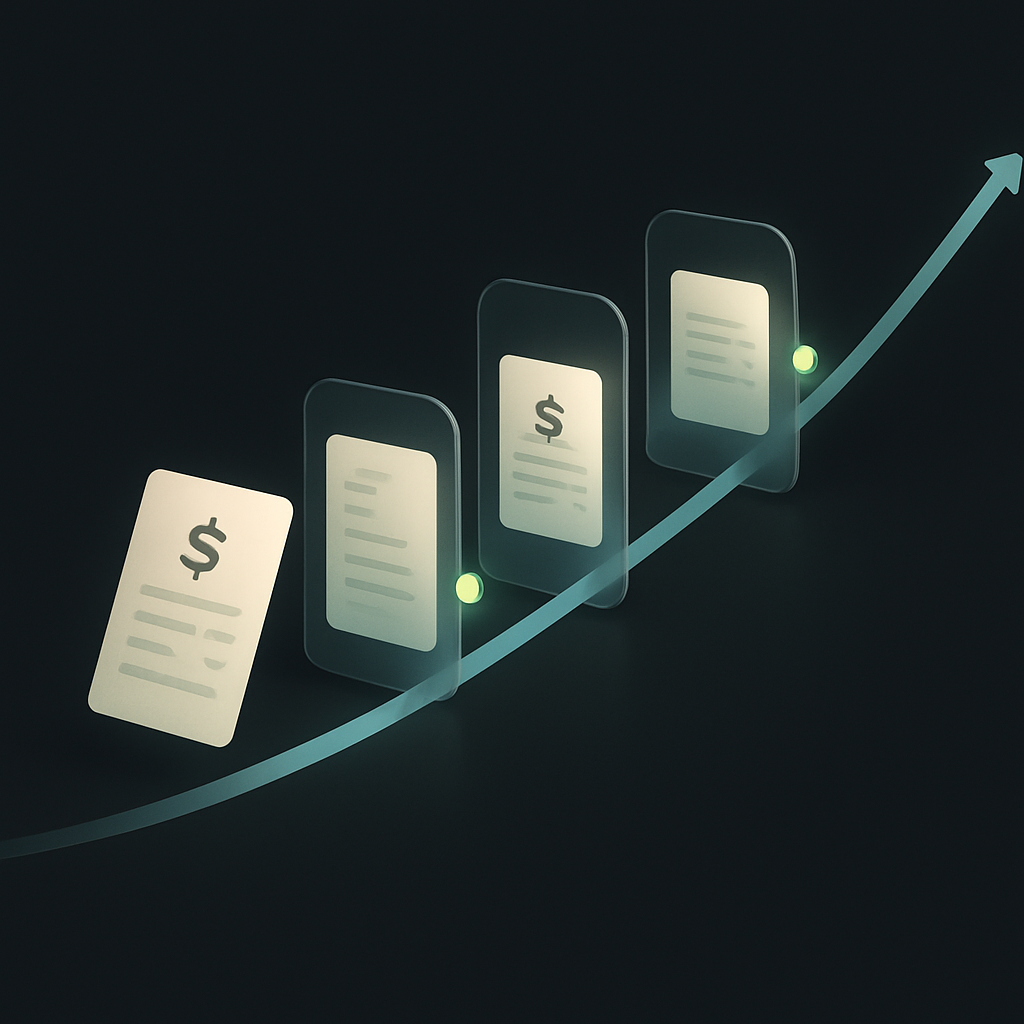
Ask ten finance teams what "touchless" means and you'll get ten answers. Some count an invoice as touchless if OCR read it. Others only count it if no human ever opened it — from receipt to payment. That ambiguity matters, because the number you report to your CFO is only as honest as the definition behind it.
Touchless invoice processing is the share of supplier invoices that flow from receipt through capture, coding, matching, approval, and payment scheduling with zero human intervention. Not fewer clicks. Zero. If someone had to re-key a line item, resolve a mismatch, or chase an approver, that invoice was touched. This guide defines the metric properly, explains why most teams stall around 30–40%, and lays out how to climb past 80%.
What counts as truly touchless
A touchless invoice satisfies every one of these conditions without a person stepping in:
- Captured — data extracted correctly with high enough confidence to skip review.
- Coded — GL account, cost center, tax code, and entity assigned automatically.
- Matched — reconciled against a PO and/or goods receipt (2-way or 3-way) within tolerance.
- Approved — routed and cleared under a policy that didn't require manual escalation.
- Scheduled — queued for payment on the correct terms, rail, and currency.
The critical discipline is measuring the accounts payable touchless rate end-to-end, not stage-by-stage. Vendors love to advertise "99% capture accuracy" — but capture is one link in a five-link chain. If matching fails 40% of the time, your true straight-through rate is a fraction of what the capture stat implies.
How to calculate your touchless rate
Use a single, unforgiving formula over a fixed period (a month is a good unit):
Touchless rate = (invoices with zero human intervention from receipt to payment scheduling) ÷ (total invoices processed)
Instrument your workflow so every manual event is logged: a re-keyed field, a re-routed approval, a held exception, a manual coding change. Anything that generates a human event disqualifies the invoice. This is harsher than most dashboards, but it's the only number that reflects real labor.
Why teams stall at 30–40%
Most organizations hit an early plateau. The causes are predictable:
| Stall cause | What it looks like | Impact on touchless rate |
|---|---|---|
| PO coverage gaps | Many invoices arrive with no matching PO | High — nothing to match against |
| Dirty vendor master | Duplicate or stale supplier records | Medium — routing and dedup fail |
| Loose tolerances | Every price/quantity variance stops the flow | High — floods the exception queue |
| Approval sprawl | Too many approvers, no delegation rules | Medium — invoices wait on humans |
| Non-PO spend | Services, utilities, subscriptions | High — no structured reference data |
None of these are solved by better OCR alone. They're process and data problems. That's why touchless AP automation is 20% technology and 80% getting your upstream data and policies in shape.
The roadmap: 0% to 80%+
Stage 1 (0% → 30%): Digitize and standardize intake
Kill paper and PDF-by-email chaos. Route every invoice through one channel and one capture engine. Modern AI invoice processing models read structured and unstructured invoices and assign a confidence score to each field. Auto-post anything above your confidence threshold; queue the rest. Just standardizing intake and enabling confidence-based auto-post typically gets you to ~30% quickly.
At this stage, connect your capture layer directly to your ERP through native integrations so extracted data lands in the system of record without re-keying.
Stage 2 (30% → 55%): Fix matching and the vendor master
This is where most of the gain hides. Clean your vendor master — dedupe records, standardize names and tax IDs, and enforce onboarding through a self-serve vendor portal so suppliers submit their own banking, tax, and remittance details. A structured onboarding flow that captures clean data before the first invoice is the single highest-leverage move for matching accuracy.
Then tune your matching tolerances. Blanket zero-tolerance guarantees a bloated exception queue. Set sensible price and quantity variance bands (for example, auto-approve variances under a small percentage or dollar threshold) so trivial differences don't require a human.
Stage 3 (55% → 70%): Automate approvals with policy
Replace manual routing with policy-based approvals: dollar thresholds, category rules, delegation-of-authority, and auto-approval for pre-approved recurring spend. Tie approvals to your procurement workflow so a matched invoice against an approved PO clears without a fresh sign-off — the approval already happened at the requisition stage.
Stage 4 (70% → 80%+): Let AI agents own the exceptions
The last stretch is about exceptions — the messy tail of mismatches, missing POs, and coding ambiguity that used to demand human judgment. This is where AI agents and digital employees change the ceiling. An agent with its own identity and spend limits can research a mismatch, email a vendor for clarification, propose a coding correction, and resolve within a policy boundary — escalating to a human only when it can't. If you're evaluating how autonomous finance agents get scoped and governed, our guide on how AI agents get wallets and spend limits covers the controls.
Once approved, invoices flow into payout automation across the right rail and currency — the same engine that powers scalable vendor payouts across 100+ rails and 190+ countries.
Don't forget compliance and tax
Straight-through processing can't mean straight-through mistakes. Touchless doesn't remove the obligation to withhold correctly, validate tax documentation, or screen suppliers. Build tax and compliance checks into the flow so the automation respects rules from authorities like the IRS and cross-border frameworks tracked by the OECD. Invoicing standards bodies such as the ISO and e-invoicing mandates advancing across the European Union are also making structured invoice data the norm — which, conveniently, makes touchless processing easier.
Realistic targets by spend type
| Spend category | Achievable touchless rate | Best for |
|---|---|---|
| PO-backed goods | 85–95% | The fastest wins; structured match data |
| Recurring services | 70–85% | Automate via contract + schedule rules |
| Ad-hoc non-PO spend | 40–60% | Where AI agents add the most lift |
| One-off / new vendors | 20–40% | Onboarding-gated; improves over time |
The bottom line
Touchless invoice processing isn't a product you buy — it's a rate you climb, one bottleneck at a time. Digitize intake, clean your vendor data, tune tolerances, codify approvals, and hand the exception tail to AI agents. Teams that treat 80%+ as a data-quality and policy problem — not just a software purchase — get there. Those chasing OCR accuracy alone stall in the 30s.
To see how end-to-end capture, matching, approvals, and payment run on one ledger, explore Payouts.com AP automation.
Published by Payouts.com. Editorial standards · Report a correction.
Discussion
40 commentsRelated resources

Vendor Payouts: How to Build a Fast, Scalable, and Compliant Payment Operation
Managing vendor payouts at scale is one of the most operationally complex tasks in finance. This guide explains the mechanics, pitfalls, and modern infrastructure that turns a chaotic AP function into a competitive advantage.
How AI Agents Get Wallets and Spend Limits: A Finance Leader's Guide
AI agents can now hold funds, initiate payments, and operate within defined spend limits — but what does that actually mean for financial controls? Here's how the plumbing works and what finance leaders need to think through before deploying autonomous money movement.

Creator Payment Onboarding Portal: How to Build a Self-Serve Flow That Collects Tax Docs, KYC, and Payout Preferences Before Day One
A poorly designed creator onboarding flow creates compliance gaps, delayed payouts, and frustrated talent. Here's a practical blueprint for building a self-serve portal that gets tax documentation, identity verification, and payout preferences locked in before Day One.
Run your entire money cycle on one ledger
Global payouts, AP/AR automation, and AI agents with their own wallets and spend limits.
Get started
The claim that AI agents can resolve exceptions in stage 4 sounds great in theory, but I'm skeptical about the implementation reality. Who actually owns the escalation decision when the agent hits its boundary? We've seen too many automation projects fail because nobody wants to define where the human judgment threshold really sits, especially when it involves vendor relationships or potential disputes.
We handle this with a clear decision matrix baked into the agent's config—below $500 and matching a historical pattern, it auto-resolves and logs it. Anything above that or outside pattern gets escalated to AP lead with the agent's recommendation attached. The key was getting finance and procurement to agree on the matrix up front, not during the first exception.
In our setup, the escalation owner is defined in the agent's configuration before deployment—threshold amounts, category rules, and a named human fallback for each exception type. The agent logs every decision it makes and every escalation it triggers, so there's an audit trail. The key is not treating it like a black box but more like a policy engine with a really flexible front end.
The vendor master cleanup in stage 2 is where we got stuck for months. We had three different ERP instances from acquisitions and no single source of truth for supplier records. Even after we committed budget to it, the deduplication project kept surfacing edge cases—same vendor, different tax ID because of regional subsidiaries, or slightly different legal names across entities. Until we forced a hard cutover date and just froze new invoices from uncleaned records, nothing moved.
We had the same multi-ERP problem post-merger. What finally worked was treating it like a data migration project with a strict cutover date—we picked one system as the master, froze the others, and forced all new vendors through a single onboarding workflow. The old records got cleaned in batches by spend volume, not alphabetically. Top 100 vendors first, then let the long tail get resolved on-demand when invoices hit.
We had the same multi-ERP problem post-merger. What finally worked was treating it like a data governance project first, not an AP project. We assigned one accountable owner per legacy system to validate and tag records, then built a golden record ruleset (tax ID wins over name, most recent bank details win, etc). Took four months but once we had that framework the dedup actually finished.
The end-to-end measurement point is critical and something most vendors conveniently skip. We had a system that claimed 95% OCR accuracy but our actual touchless rate was stuck at 22% because GL coding and approval routing were complete disasters. You have to instrument the whole chain or you're just lying to yourself.
Same here. We had 88% capture accuracy from our OCR tool but our real touchless rate was 19% because our cost center logic was hardcoded from 2018 and half our approvers had changed roles. The vendor dashboard showed green, our AP team was drowning.
Exactly this. The vendor sold us on capture metrics but nobody asked about tolerance settings or delegation rules until we were three months in and realized exceptions were piling up faster than we could clear them. Now we track manual touches per invoice as the only metric that matters.
The definition is tight, but I wish there was more clarity on how to handle invoices that auto-match and auto-approve but then sit in a manual payment batch release. We don't schedule individual invoices—we approve payment runs twice a week. Does the run approval step disqualify everything in the batch from being touchless, or is scheduling considered complete once the invoice is queued?
The article is pretty explicit that touchless means zero human intervention through payment scheduling, not actual payment execution. If your batch run approval is automated based on policy (sufficient funds, correct date, no flags) then you're still touchless. But if someone manually reviews and clicks 'release' twice a week, then yeah, technically every invoice in that batch got touched.
I'd argue that depends on whether the batch approval is policy-driven or truly discretionary. If your payment run follows a fixed schedule and the batch gets released automatically based on cash position rules or predefined criteria, that's still touchless. But if someone manually reviews and clicks approve for each run, then yeah, every invoice in that batch got touched—the touch just happened in aggregate instead of line-by-line.
The compliance callout at the end is important but feels tacked on. In reality, tax validation should be baked into stage 2 alongside vendor master cleanup, not treated as an afterthought. We had to rebuild our entire flow after realizing our 'touchless' invoices were sailing through without proper W-9 checks, and our auditors had a field day with that.
The jump from stage 3 to stage 4 feels like it glosses over a huge cultural hurdle. Our CFO is comfortable with policy-based approvals because the logic is auditable and deterministic, but handing exceptions to an AI agent that 'researches' and 'proposes' corrections is going to require a completely different risk conversation. How are teams actually getting buy-in on letting agents resolve mismatches without pre-defining every possible scenario?
We framed it as a decision support tool first, not a decision maker. The agent flags the exception, shows its research trail (emails, PO history, prior invoices from that vendor), and proposes a resolution with a confidence score. A human approver sees the full context and can one-click approve or override. Once the CFO sees that the agent's proposals are right 95% of the time and the audit trail is cleaner than what AP was doing manually, the trust builds fast.
We had the same concern, but what helped was starting with a really narrow scope—let the agent handle only one exception type (like known supplier price variances under $50) and log every action it takes for 90 days. Once the CFO could audit the decision trail and see it was actually more consistent than our AP clerks, the trust threshold dropped and we expanded from there.
The confidence threshold approach in stage 1 makes sense but we learned the hard way that you can't just set it once and forget it. Our OCR vendor's confidence scores drifted over time as invoice formats changed, so what was 95% accurate in month one was closer to 87% by month six. We now review the threshold quarterly and adjust based on actual error rates, not just the vendor's reported confidence.
We saw the same drift and ended up building a monthly audit loop where we sample 100 invoices and compare confidence scores against actual field accuracy. When the gap widens past a set tolerance we retrain or adjust the threshold. It's annoying overhead but better than silently degrading straight-through rates.
We saw the same drift and ended up building a monthly audit loop where we sample 100 invoices and recalibrate the threshold if the auto-post error rate crosses 2%. It's manual but it keeps the confidence score honest.
The harsh measurement formula is refreshing but also reveals how misleading most vendor dashboards are. We track manually intervened invoices and our actual touchless rate is 23%, while our AP platform's dashboard shows 67% because they count anything that doesn't fail OCR. The gap between what gets sold and what actually reduces headcount is massive.
We had the exact same gap. Our vendor told us 72% straight-through processing but when we logged every manual touch—coding corrections, approval nudges, duplicate checks—we were at 19%. The article's formula is brutal but it's the only one that reflects actual labor saved.
We had the exact same gap. Our vendor told us 72% straight-through processing but when we logged every manual touch—including holds, re-routes, and coding corrections—we were at 19%. The difference was they only measured capture success, not end-to-end flow. Now we instrument every stage and report the harsh number internally even if it looks worse on paper.
The point about tolerances in stage 2 is where most orgs shoot themselves in the foot. We had zero-tolerance matching for the first 18 months and wonder why 60% of invoices sat in the exception queue for penny differences and shipping charges that were never on the original PO. Once we set a 2% or $50 variance band, our touchless rate jumped from 34% to 52% in one quarter without any new tech.
Same. We eventually landed on 3% or $50, whichever is lower, and it cut our exception queue by half in the first month. The trick was getting finance and procurement to agree on the threshold together so no one could claim they weren't consulted.
We did the same with a 2% / $25 threshold and it was night and day. The other thing that helped was excluding freight from the tolerance calculation entirely since carriers almost never match the quote exactly. Once we stopped treating predictable variances like exceptions, our queue dropped by half in the first month.
The self-serve vendor portal recommendation in stage 2 is underrated. We cut our initial invoice rejection rate by about half just by forcing suppliers to upload W-9s and banking details through a structured form instead of letting procurement email PDFs around. The data quality difference was night and day.
Same here. The other hidden benefit is that vendors actually keep their own records updated when they have portal access. We used to have suppliers change banks and then the first payment would bounce because nobody told AP.
Completely agree. We saw the same thing with tax forms specifically—when suppliers self-entered their EIN and entity type through a portal with dropdown validation, our 1099 error rate at year-end basically disappeared. Manual PDF uploads were a disaster for that.
The 20% technology / 80% upstream data split is dead on. We spent six months trying different OCR engines before realizing our real blocker was 14,000 duplicate vendor records and approvers who retired in 2019 still in the routing table. Cleaned the master in three weeks and our touchless rate jumped from 22% to 51% without changing a single line of code.
Same experience here. We had approval workflows routing to people who had left the company 18 months prior, and invoices would just sit in limbo. The vendor master cleanup was brutal but once we forced all new suppliers through a portal with mandatory fields the matching rate jumped almost overnight.
We had almost the same thing. Our vendor master had records going back to 2007 with no cleanup ever done. What tool did you use to dedupe? We're scoping that project now and trying to figure out if we do it manually or buy something to help.
The plateau at 30-40% is painfully familiar. What I'd add is that even if you nail vendor master hygiene and matching tolerances, you still hit a wall if your procurement team isn't writing POs for everything. We spent a year optimizing the AP side only to realize half our invoices were for non-PO spend that procurement never touched—consulting, SaaS renewals, facilities. You can't automate matching when there's nothing to match to.
We're running into this exact issue. Our procurement team pushes back that certain categories (software renewals, consulting, facilities) don't fit the PO workflow, but those represent almost 35% of invoice volume. The AP automation works beautifully when there's a PO, but we're stuck manually coding and routing everything else.
Exactly. The non-PO spend problem is structural, not technical. We eventually had to get procurement and FP&A in the same room to define which categories would never have POs (legal, consulting, SaaS renewals) and build separate approval flows for those. That unlocked another 15-20 points for us.
The policy-based approval piece in stage 3 is where we're stuck right now. Our procurement team won't let us auto-clear matched POs because they want a final sanity check before payment, but then they also complain about approval volume. It's a political loop more than a technical one and I don't see AI agents solving that unless the CFO forces the issue.
We broke that loop by reframing it around dollar thresholds and exception-only review. Matched POs under $5K auto-clear, everything else gets the sanity check. Procurement still sees the high-risk stuff but their approval queue dropped 60% in the first month and suddenly they were believers.
We broke that loop by reframing it around dollar thresholds and exception-only review. Matched POs under a certain value auto-clear, everything else goes to procurement for sign-off. Once they saw the volume drop they stopped fighting the policy change.
I appreciate the harsh definition, but curious how you handle the gray area of invoices that auto-route to an approver who then just clicks approve without reviewing. Technically zero intervention in the workflow, but also not really policy-driven auto-approval. Does that count as touchless in your book or is the human click itself disqualifying?
Good question. By the definition in the article, that shouldn't count as touchless because the human is still in the chain, even if they rubber-stamp it. The whole point is that the policy itself should auto-clear matched invoices without routing to anyone. If it's hitting an inbox, you're not really at Stage 3 yet.
That's rubber-stamp approval, not touchless. The article's definition is explicit—if a human had to open the invoice or hit a button, it got touched. The whole point of policy-based approval is that the system applies the rule without routing it to anyone's inbox in the first place.