

Twitch Affiliate Payout: Thresholds, Timing, and Global Payment Checks
A Twitch payout depends on more than your earnings balance. Learn how eligibility, monthly cutoffs, payment methods, and cross-border settlement determine when money reaches your account.
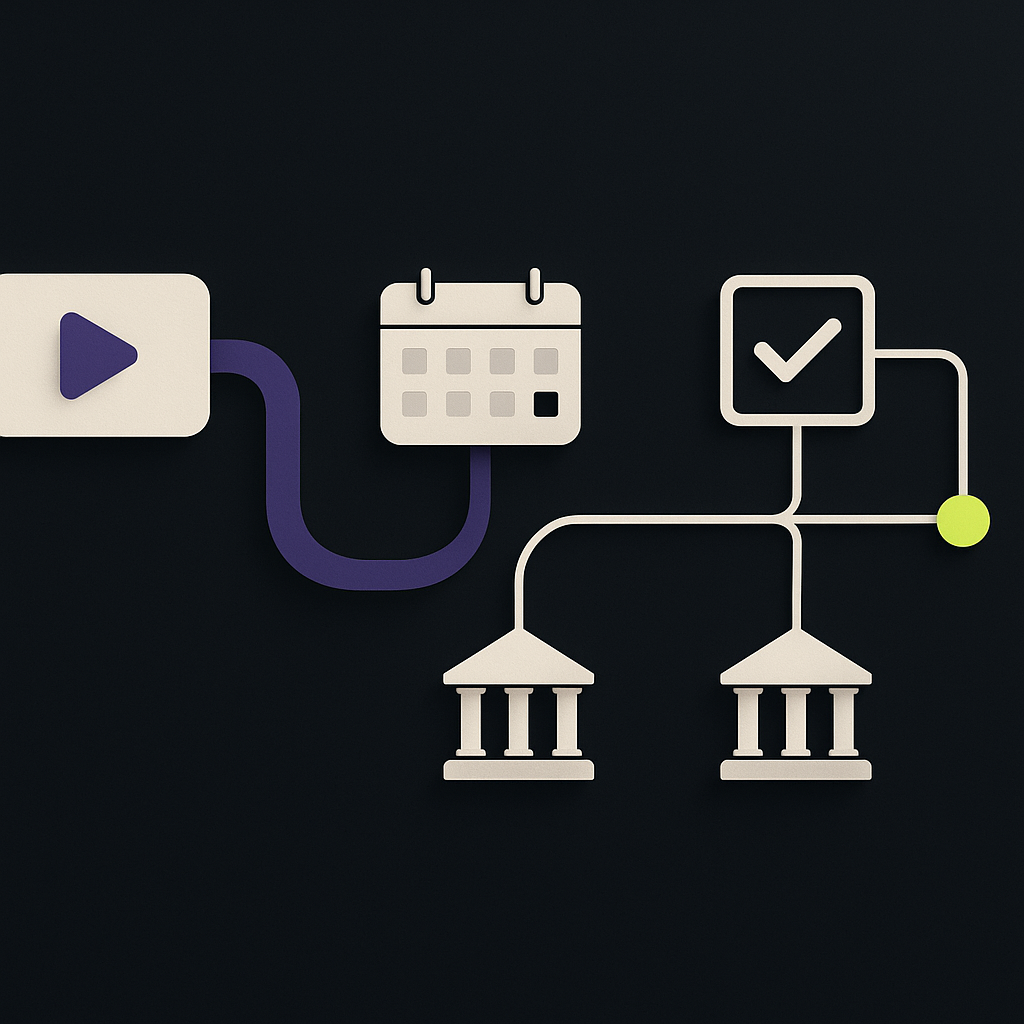
Twitch Affiliates generally need a payable balance of at least $50 USD to receive a payout, or $100 for wire transfers. Twitch follows a Net-15 schedule: eligible earnings are scheduled for payment approximately 15 days after the earning month ends. That is not a guarantee that money will reach your bank account that day; processing and receipt depend on the payment method and destination.
According to Twitch’s payout timing guidance, the $50 threshold applies to ACH/direct deposit, eCheck/local bank, PayPal, and checks. Balances below the applicable minimum roll forward. Affiliate or Partner status and completed payout onboarding are also necessary.
For streamers, the practical question is where an expected payment is held up. For finance teams supporting international creators, the same question requires separating eligibility, payment release, and bank receipt. This guide explains Twitch’s rules and the operational checks that matter across borders.
Who can receive a Twitch Affiliate payout?
Access to monetization tools is not the same as eligibility to withdraw earnings.
In its May 13, 2026 Monetization for All announcement, Twitch expanded access to tools including subscriptions and Bits to eligible streamers globally, while retaining Affiliate or Partner status as a requirement for cash payouts. Seeing monetization features on an account therefore does not establish that a payout is due.
Before expecting a payment, confirm that:
- Your account has Affiliate or Partner status.
- You have completed the required agreement, tax, and payment onboarding.
- Your payable balance has reached the minimum for your selected method.
- The earnings belong to a completed monthly payment period.
- Your payout settings contain valid recipient and account details.
Twitch’s announcement also described Spendable Balance, which lets eligible streamers use their balance for purchases such as Bits and gifted subscriptions. It described availability in the US and a planned international rollout. The supplied research, dated September 22, 2026, does not confirm completion of that rollout. Do not treat Spendable Balance as a globally available withdrawal method.
When does Twitch pay Affiliates?
Net-15 runs from month-end, not from the day a subscription or cheer occurs. Revenue earned during the current month does not become payable immediately.
For example, earnings generated on May 3 belong to May’s earning period and can become eligible for the June 15 payout cycle, provided the threshold and other requirements are met. They are not due 15 days after May 3.
Separate the monthly cutoff from bank arrival
An expected payout passes through distinct stages:
- Earnings accumulate: Revenue is recorded during the month.
- Eligibility is determined: The completed period’s payable balance is evaluated against the applicable threshold and account requirements.
- Payment is released: Twitch initiates payment through the selected method.
- Funds arrive: The payment provider and, where relevant, receiving bank complete their processing.
A balance below the minimum carries forward toward a later cycle. Crossing the threshold through new earnings during the following month does not automatically make those new earnings part of the earlier payment period.
For international recipients, bank holidays, intermediary processing, account validation, and currency conversion can affect arrival after release. Avoid promising a universal delivery time across all countries. Finance teams building their own communications can use the distinction between release and receipt in this guide to setting reliable payout settlement estimates.
Twitch payout methods: minimums and cross-border tradeoffs
Available methods vary by country. The options actually offered in your Twitch payout setup should guide your choice; a method listed in general documentation may not be available to your account.
The thresholds below follow Twitch’s payout guidance cited above. The final column contains practical editorial considerations, not Twitch service guarantees or a ranking.
| Payment method | Minimum balance | Availability or scope | Practical considerations |
|---|---|---|---|
| ACH/direct deposit | $50 USD | US banking option | Check routing and account details |
| eCheck/local bank | $50 USD | Where offered in payout setup | Confirm supported currency and bank fields |
| PayPal | $50 USD | Country-dependent availability | Check receipt, conversion, and withdrawal costs |
| Check | $50 USD | Where offered in payout setup | Consider delivery and deposit handling |
| Wire transfer | $100 USD | Destination-dependent availability | Check intermediary and receiving-bank charges |
Compare money received, not just the transfer fee
For a cross-border payout, several different amounts may appear in the records: the payable earnings balance, the amount released, the converted amount, and the final bank credit.
Where applicable, differences can reflect payout charges, foreign-exchange conversion, intermediary deductions, receiving-bank charges, or tax withholding. These are separate explanations and should not all be labeled “Twitch fees.” No single fee or FX rate can be assumed to apply to every recipient.
Before selecting a method, check:
- Payment currency: Is the payout sent in a currency your account can receive?
- Conversion responsibility: Will conversion happen through the payout provider, wallet provider, or receiving bank?
- Final access: Does money arriving in a payment account still require a withdrawal to your bank?
- Bank requirements: Are the beneficiary name, account identifier, and routing details appropriate for that destination?
Depending on the country and method, bank information may include an IBAN, a domestic account number and clearing code, or SWIFT/BIC details. These are examples of banking requirements, not a universal Twitch field list. Use the actual onboarding form rather than substituting identifiers from another payment method.
Why a Twitch Affiliate payout may not have arrived
The displayed earnings are not yet payable
Check which period and balance you are viewing. Current-month earnings, estimated revenue, and a completed payout are not interchangeable. A revenue screenshot alone does not show that a bank transfer was initiated.
The selected method has a different threshold
A balance that qualifies for a local bank payout may still fall below the wire minimum. Confirm the saved payment method before concluding that Twitch missed a cycle.
Tax or recipient information is incomplete
Tax documentation is part of payout readiness, not simply year-end administration. US persons generally provide a W-9; non-US individuals generally use a W-8BEN, while entities or other circumstances may require different documentation.
Twitch’s Monetized Streamer Agreement, in the August 21, 2026 version identified in the supplied research, includes a provision under which fees can be forfeited on a rolling basis if required information and documentation are not provided within 180 days after those fees become payable. Resolve documentation requests promptly rather than assuming a missing form only delays one payment.
The payment was released but has not settled
A released payment and a credited bank account represent different states. Review any payment reference and status available in your account. If the payment shows as sent, ask the receiving institution whether it can locate the incoming transfer using those details. If it failed or was returned, establish the reason before changing details or seeking another payment.
A practical payout investigation checklist
Before contacting Twitch support, assemble a small evidence packet:
- Identify the earning month. Exclude earnings that belong to the current, unfinished period.
- Check the applicable minimum. Match the payable balance to the saved payout method.
- Review onboarding. Look for incomplete tax, identity, agreement, or payment steps.
- Record the payment state. Distinguish no payment initiated, processing, sent, failed, and returned where those statuses are available.
- Confirm destination details securely. Check the beneficiary, currency, and account information without posting sensitive data publicly.
- Collect trace evidence. Save the amount, release date, currency, payment reference, and relevant bank response.
This turns “I have not been paid” into a specific question about eligibility, release, delivery, or deductions.
What creator finance teams should take from Twitch’s model
The central operational lesson is to track earned, eligible, released, and received separately. These are recommended control states, not a claim about Twitch’s internal systems.
For each expected payout, record the earning period, threshold currency, selected method, documentation status, released amount, and final receipt evidence. Classify discrepancies by cause instead of combining every exception into an overdue-payments queue.
If your business operates its own creator program, Payouts.com’s creator economy solutions and payout automation are relevant to managing that separate payment operation. They do not change Twitch’s thresholds or release funds held by Twitch.
For an individual Twitch payout, start with the earning period, payable balance, and saved payment method. Confirm those before investigating bank delays. For finance teams, build the same sequence into reconciliation and support workflows so recipients receive an explanation tied to the actual payment state.
Created with AI assistance. Sources are linked in the article; this content is general information, not legal, tax, or financial advice.
Discussion
38 commentsRelated resources
Payout Settlement Times by Country: Build Reliable Payment ETAs
An instant domestic rail does not make an international payout instant. Use this country reference and operating framework to set payment ETAs that account for funding, calendars, and recipient-bank availability.

Google Pay International Transfer: What Works for Business?
Google Pay is not a universal cross-border payout service. Learn which payment functions are distinct, where older transfer instructions fail, and how to handle overseas recipients who ask for GPay.

Flipkart Affiliate Account: Access, KYC, and Payout Rules
A Flipkart affiliate account connects referral sales to commissions, but your registration route determines who pays you. Learn what to verify about access, identity documents, thresholds, and Indian bank settlement.
Run your entire money cycle on one ledger
Global payouts, AP/AR automation, and AI agents with their own wallets and spend limits.
Get started
The wire transfer minimum being double the other methods ($100 vs $50) creates an edge case we had to handle manually: if someone switches from PayPal to wire mid-quarter and sits at $75, they suddenly go from eligible to ineligible and the system doesn't surface why. Would be helpful if the article included a note on how method changes interact with existing balances that fall between thresholds.
We hit this exact scenario last month. Our workaround was to add a method-specific threshold check in the eligibility calculation before it hits the payout queue, with a warning surfaced in the dashboard if the balance is sufficient for one method but not the currently selected one.
We handle this by locking the payment method selection once the period closes. Any changes only apply to the next eligible cycle, which avoids the mid-period threshold confusion entirely.
The point about not treating 'Twitch fees' as a catch-all label is useful. We've had creators escalate discrepancies that turned out to be receiving bank charges, not platform deductions, and the lack of line-item transparency makes those conversations harder than they need to be.
We started attaching a breakdown template to every payout notification that separates platform fee, FX spread, intermediary charge, and beneficiary bank charge as distinct line items. Doesn't eliminate the questions but at least moves the conversation from 'where did my money go' to 'why is this bank charging $25 for incoming wire' which we can actually explain.
We added a field in our internal tracking that flags the deduction source (platform, intermediary, receiving bank, FX provider) but getting accurate data to populate it is still manual for most non-ACH methods. Would be a lot cleaner if payment providers surfaced this in their reporting instead of forcing reconciliation from bank statements.
The $50 vs $100 threshold difference matters more than people think when you're reconciling monthly. We've had cases where a creator thought they qualified under the lower threshold but their country only supported wire, so earnings sat for an extra month or two before crossing $100. Would be helpful if Twitch surfaced the applicable threshold based on available methods during onboarding instead of making people parse documentation.
We flag the method-threshold mismatch during onboarding now. If the selected method isn't actually available in that jurisdiction or carries the higher minimum, we surface it before the first cycle closes. Saves a lot of support tickets.
We flag the method-threshold mismatch during onboarding now. If the selected method isn't available in their country, we surface the actual threshold and projected payout date before they finish setup. Cuts down on support tickets.
The Net-15 release schedule vs actual receipt split is something we document internally but still causes support volume every cycle. The part about not promising universal delivery times hits hard—our initial comms treated it like ACH and got burned when Indonesia and Brazil receipts ran 6+ days behind the same release batch.
We went the opposite direction and now send estimated ranges instead of dates. Email just says "your payment was released on X and typically arrives in 2-8 business days depending on destination." Support tickets dropped but finance hated losing the precision.
We stopped giving dates entirely for anything outside US/Canada and switched to 'initiated on [date], typical delivery 3-10 business days depending on destination.' Support tickets dropped but now we get complaints about being vague. Can't win.
The distinction between monthly cutoff and payment release is important but the article doesn't address what happens when a creator changes their payout method mid-cycle. We had a case where someone switched from PayPal to wire after the period closed but before release, and the payment went to the old method anyway. Would be useful to know if there's a grace period or if the switch only applies to the next full cycle.
We treat any onboarding changes after period close as effective for the next cycle, not the current one, even if release hasn't happened yet. Safer to assume the payment routing snapshot is taken at cutoff, not at release.
We treat any onboarding changes after period close as effective for the next cycle, not the current one. Lock the method at cutoff and force manual review if they need to change it before release—otherwise you're chasing payments across methods with no clean audit trail.
The point about spendable balance not being a withdrawal method is important. We had a creator support ticket claiming they should be able to cash out via spendable balance in the UK because they saw it in their dashboard, but the article's right that the rollout status isn't confirmed and it's still purchase-only for most regions.
Same issue. We added a note in our creator FAQ explicitly stating that spendable balance is for platform purchases only, not withdrawal, and linked the monetization announcement date. Still get tickets, but at least support has something to reference when pushing back.
We ran into the same confusion. The problem is that spendable balance shows as an available feature in dashboards outside the US even though cross-border use isn't actually enabled yet. It creates an expectation mismatch that support then has to clean up.
The rollover logic for balances below threshold creates a real reconciliation headache when you're trying to track creator earnings month over month. We had to build custom attribution to map which month's activity actually contributed to each disbursement, especially when someone hovers around $45-$55 for several cycles.
We solved part of this by flagging the threshold carry-forward in the reporting schema itself, so each disbursement record includes a field showing which prior periods contributed balance. Still manual work upfront, but at least reconciliation became auditable without rebuilding attribution each month.
We ended up treating the threshold as a deferred liability on our side and only recognizing the payout obligation when the balance crosses, not when the activity happens. Definitely not intuitive for anyone expecting accrual accounting to match the earning event.
The section on separating eligibility determination from payment release is something we had to document internally after our first reconciliation cycle supporting affiliates across EMEA. The real issue isn't the Net-15 schedule itself but the fact that onboarding status changes mid-period can shift who gets paid without changing the accounting period those earnings belong to.
We handle this by freezing the eligibility snapshot at period-end and treating any status updates that happen during the Net-15 processing window as effective for the following cycle. Anything else creates impossible reconciliation states when you're trying to match release records to historical balances.
The section on cross-border tradeoffs is solid but it underplays how much variance exists even within a single payment method. We've had PayPal receipts to the same country differ by 48 hours depending on whether the local account was verified or not, and Twitch has zero visibility into that step. Would be useful to call out that recipient-side account status can delay settlement independent of the release schedule.
We've seen the same with account verification status. The article mentions confirming valid recipient and account details, but that's binary from Twitch's perspective—either the onboarding form accepts it or it doesn't. What happens downstream at the payment provider level is completely opaque, and verification state can change between payment cycles without any notification.
Exactly right. We've also seen status checks and account linking delays add days even when the recipient thinks everything is set up correctly. The article touches on 'account validation' but in practice that can mean anything from beneficiary name mismatch flags to internal compliance holds that the payout platform never surfaces to the sender.
The guidance on comparing multiple amounts across the payout chain (balance, release, converted, final credit) is the most useful part here. We regularly see support tickets from creators assuming all deductions are 'platform fees' when in reality they're split across correspondent charges, FX spreads, and receiving bank handling, and each one needs a different explanation depending on the destination country and method.
Same. We now include a breakdown field in our settlement report that splits platform fee, conversion cost, and correspondent bank deduction separately. Still doesn't prevent the ticket, but at least we can respond with line items instead of just pointing at a net amount.
We built a simple reconciliation template that captures all four amounts (balance, release, converted, received) plus timestamps for each stage. It's helped reduce support volume significantly because creators can see exactly where the difference originated instead of blaming the platform for the full gap.
The distinction between release date and receipt date is crucial and often overlooked when reconciling creator payments. We support about 40 international streamers and the variance between Twitch's Net-15 release and actual bank arrival can be 3-7 days depending on intermediary banks. Would be helpful if Twitch exposed release confirmations via API so we could automate the reconciliation window instead of manually tracking each payout method's typical settlement pattern.
We see the same thing. The intermediary delay becomes even worse when you factor in currency conversion windows at the receiving bank—especially for smaller regional banks that may batch FX trades once or twice daily rather than in real time.
We built arrival tracking by method and destination country, and the variance you're seeing is consistent with our data. For wire transfers the gap widens to 5-10 days when correspondent banks are involved, especially into regions where Twitch doesn't have direct clearing relationships. Have you found a reliable way to communicate these ranges to creators upfront, or are you mostly doing reactive support?
curious if anyone has actual data on the intermediary fee variance for wire transfers under $500. we're evaluating whether to push smaller creators toward paypal despite the conversion spread just to avoid the $15-35 correspondent bank deductions that seem completely arbitrary
We tracked this across about 200 wires to 14 countries over Q2 and the deduction range was $12 to $42, with no clear pattern by destination country or amount. The lack of predictability is exactly why we moved sub-$300 payouts to a third-party platform despite the 2.9% take rate, because at least we can forecast it.
The article's point about separating payout charges, FX conversion, intermediary deductions, and receiving-bank charges is exactly why you can't predict wire costs with a single number. For sub-$500 amounts we've seen the all-in variance eat 8-12% depending on corridor, so PayPal starts looking reasonable even with their spread once you factor in predictability.
Appreciate the clarity on IBAN vs domestic account number requirements. We had two rejected payouts last quarter because someone entered a SWIFT code in a field expecting a local sort code—the Twitch UI doesn't always validate format by country. The comment about not substituting identifiers from another payment method is exactly right and should honestly be bolded.
Same issue here. We ended up building a lookup table that maps country code to required field set and validation regex before the form even submits. Not a complete solution since banking formats can overlap or have exceptions, but it caught about 80% of our format errors before they hit the platform.
We built a pre-validation step that checks field format against country before submission, but it's maintenance-heavy because Twitch changes their backend provider routing without notice. The reject-and-retry cycle is expensive when you're managing 500+ creator accounts.