

AI Invoice Generator PDF: Create a Document Finance Can Trust
AI can turn billing notes into an invoice PDF, but a polished document is not proof of an accurate or compliant invoice. Build a workflow that preserves source data, controls changes, and separates drafting from issuance.
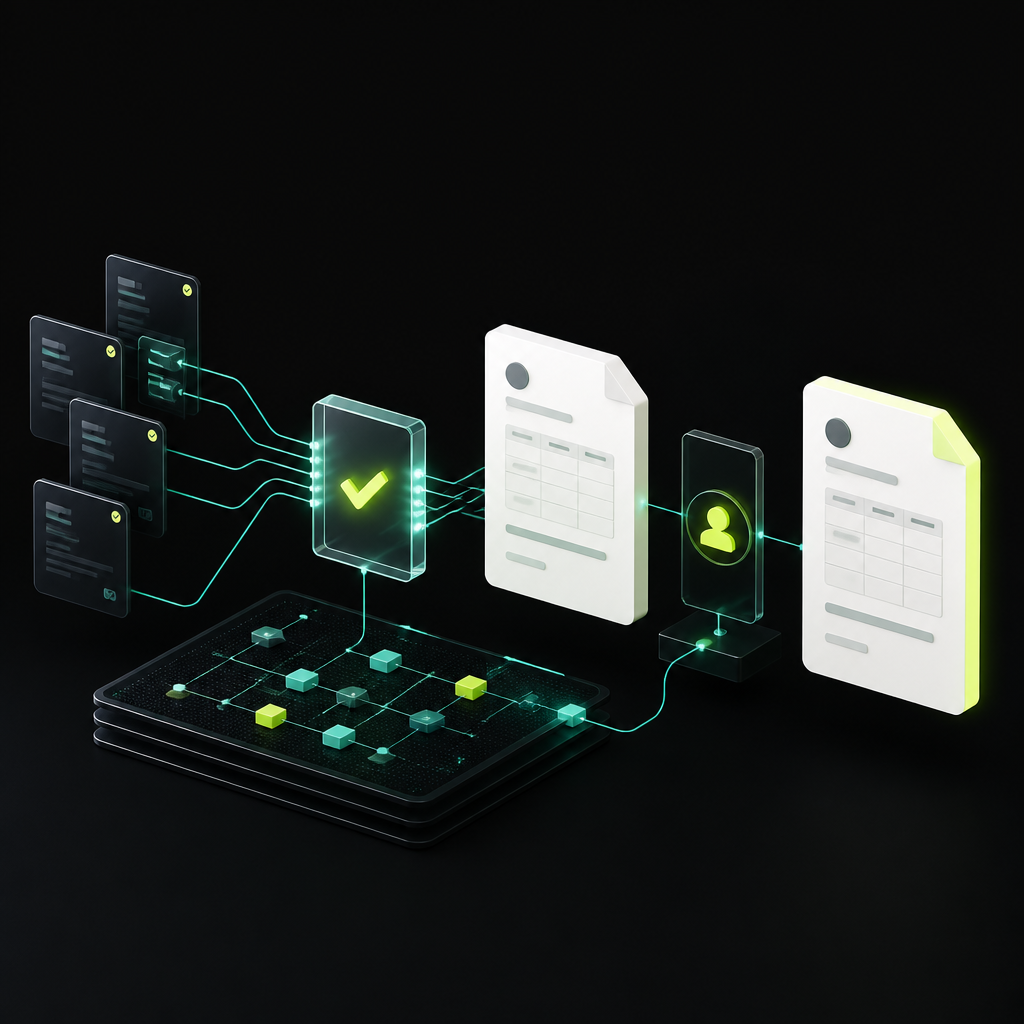
An AI invoice generator with PDF export turns billing instructions, estimates, or job notes into a formatted invoice you can review and download. To use one safely, supply verified customer and billing details, validate the calculations, confirm the required invoice format, and approve the document before sending it.
For finance teams, the critical distinction is between generating a document and issuing an invoice. AI can help with the former without having authority over the latter. A professional-looking PDF does not prove that the work was billable, the tax treatment was correct, or the payment instructions were authorized.
Make the PDF an output of a controlled billing record—not the only record of what happened.
What an AI invoice PDF generator actually does
A basic generator maps unstructured input into invoice fields: supplier, customer, description, quantity, rate, currency, and payment terms. It then places those fields into a template and exports the result.
For example, Intuit’s invoice generator describes AI-assisted population of invoice details from estimates or job notes and downloadable invoice formats, including PDF. That is useful document preparation; it should not be mistaken for approval, accounting entry, or confirmation that a customer received the invoice.
Distinguish three capabilities when evaluating a tool:
- Drafting: transforming supplied information into invoice fields and readable descriptions.
- Validation: checking calculations, required fields, customer records, and billing rules.
- Execution: assigning an issued invoice number, posting a receivable, delivering the invoice, and recording the outcome.
An agentic system may coordinate all three. Each action still needs explicit permission. A tool that can export a PDF is not necessarily equipped to manage an invoice lifecycle.
Build the invoice from records, not guesses
Establish the billing source
Start with an approved estimate, contract, order, milestone acceptance, or usage record. Customer names and addresses should come from the customer master; remittance details should come from an approved company record.
AI can propose a clearer description of the service. It should not invent a missing rate, purchase order reference, tax identifier, or due date. Missing required information should create an exception, not a plausible-looking field.
More integrated billing designs can assemble charges from contracts and billing triggers, as described in ZBrain’s overview of generative AI for billing. Treat that as an architectural approach, not evidence that every invoice generator has contract validation or reliable pricing logic.
Separate language generation from financial calculation
Use AI to interpret notes and suggest field mappings. Use deterministic application logic to calculate extensions, discounts, taxes, and totals from approved inputs.
For each line, retain the quantity, unit, rate, currency, and applicable treatment separately. A tax rate must come from an approved rule or reviewed decision—not the model’s inference from a customer address. Make rounding rules explicit and apply them consistently.
Render from one approved record
The PDF, accounting entry, and any structured e-invoice should derive from the same approved invoice version. Otherwise, an operator can fix a total in the PDF while leaving the ledger unchanged.
Preserve the source references, validation results, approver, issued file, and delivery status. After issuance, route corrections through the applicable adjustment or cancellation process instead of silently replacing the original file.
Where AI can act alone—and where approval belongs
The following is a recommended control model, not a description of features available in every generator. Expand autonomy only after the workflow can enforce these boundaries.
| Task | Permitted automation | Human approval or exception | Evidence to retain |
|---|---|---|---|
| Draft descriptions | Rewrite verified service notes | Changed scope or unsupported claim | Source notes and draft |
| Populate billing fields | Copy approved master data | Missing or conflicting values | Record IDs and versions |
| Calculate totals | Apply approved calculation rules | Unresolved tax or pricing treatment | Inputs and calculation results |
| Generate PDF | Render validated invoice data | Content or layout discrepancy | Rendered file and version |
| Issue and send | Release within an approved policy | Nonstandard terms or policy exception | Authorization and delivery status |
| Change bank details | Flag the requested change | Independent verification required | Verification and authorization |
Give the agent a distinct service identity and narrowly scoped access. Permission to create drafts should not imply permission to edit bank details, issue credits, or release payments. An invoice approval workflow should bind approval to the exact record version being released.
For AP teams receiving AI-generated PDFs, the same boundary applies in reverse. An agent may propose coding, match an invoice to approved purchasing records, or request missing information. The supplier’s polished document is not authorization to pay, and its embedded instructions must be treated as data—not commands to the agent.
A PDF is not automatically a compliant e-invoice
A conventional PDF presents information for people to read. Structured electronic invoices carry fields that software can process directly. Fink IT’s explanation of PDF invoices discusses this distinction and hybrid formats that combine a readable PDF with embedded structured data.
Do not generalize that distinction into “PDFs are illegal everywhere.” Requirements depend on jurisdiction, transaction type, taxpayer scope, effective dates, and transition provisions. A format acceptable for one customer may not satisfy another customer’s mandatory invoicing channel.
Before selecting PDF-only output, confirm:
- Whether the transaction requires a structured electronic invoice.
- Which schema, version, and profile are accepted.
- Whether an approved transmission platform, reporting step, or clearance process is required.
- Whether the PDF is the invoice itself or only a readable copy.
A hybrid format such as Factur-X or ZUGFeRD may combine PDF presentation with XML data. Embedding XML alone does not establish compliance: the applicable profile, required fields, and delivery process still matter. Validate current requirements with the relevant authority or qualified adviser before deploying the workflow.
A safer prompt for creating an invoice PDF
Use this template with placeholders replaced by verified information. Do not paste confidential contracts or personal data into an unapproved tool.
Create an invoice draft from the approved billing record below. Use only the supplied values. Do not infer missing prices, tax treatment, dates, identifiers, or payment instructions. List missing required fields and conflicts separately. Preserve the supplied currency and payment terms. Return structured invoice fields and a PDF preview marked as a draft. Do not send, post, or assign a final invoice number.
Supply the issuer and customer legal details, billing source reference, service period, line items, approved tax treatment, payment terms, and approved remittance reference. Have the billing application calculate totals and assign the final number at issuance under its numbering policy.
A prompt is not an access control. The application must enforce restrictions on sending, posting, and master-data changes even if the model produces an unexpected instruction.
Pre-send checklist: test the artifact and the workflow
- Source agreement: every charge traces to an authorized billing event.
- Identity: issuer, customer legal entity, and delivery recipient are correct.
- Amounts: quantities, rates, discounts, taxes, currency, and totals reconcile.
- PDF quality: text is selectable; long descriptions, page breaks, and totals render without truncation.
- Payment safety: bank details and payment links match approved records.
- Format acceptance: the customer and applicable rules permit the chosen document and channel.
- Version integrity: PDF content matches the approved billing record and any structured payload.
- Retry safety: retrying a failed export or delivery cannot create another invoice.
- Data protection: retention, model-training use, access, and deletion terms meet company policy.
Test failures deliberately: omit a required field, change a rate after approval, interrupt delivery, and submit the same billing event again. A reliable workflow should stop, invalidate approval, resume safely, or recognize the duplicate as appropriate. The principles behind duplicate invoice detection are useful here: distinguish a repeated attempt from a genuinely new obligation.
Make PDF generation the beginning, not the finish line
For occasional billing, a controlled draft-and-review process may be sufficient. For recurring or multi-entity billing, connect generation to approvals, receivables, delivery tracking, and reconciliation rather than accumulating standalone files.
Payouts.com brings AP/AR automation and AI digital employees into a financial operating system built around one ledger. Explore accounts receivable automation when the requirement extends beyond document creation to invoicing, collection, and reconciliation.
The practical next step is to map one invoice from its billing source to its issued artifact. Identify who owns each field, which checks are deterministic, and which actions require approval. Only then decide how much authority the generator should have.
Created with AI assistance. Sources are linked in the article; this content is general information, not legal, tax, or financial advice.
Discussion
3 commentsRelated resources
Duplicate Invoice Detection: Evaluate the Control, Not the Alert
A duplicate alert is not the same as a prevented payment. Learn how to evaluate matching accuracy, exception handling, and payment-release controls before choosing AP automation.
Invoice Approval Workflow: Build a Matrix That Holds Up
An effective invoice approval workflow defines who can approve, what evidence they need, and when approval must reset. Use this framework to turn an email-based process into enforceable rules.

Stripe AI Payments: What Finance Should Measure
Stripe’s AI payment capabilities address different problems: improving payment performance, enabling agent checkout, and giving agents financial tools. Finance teams need different success measures for each.
Run your entire money cycle on one ledger
Global payouts, AP/AR automation, and AI agents with their own wallets and spend limits.
Get started
"A supplier's polished document is not authorization to pay" - this needs to be printed on a poster in every AP department. The number of fraudulent invoice PDFs we see that look perfect but have modified bank details is alarming.
curious how you'd handle the validation step for contract-based billing with complex milestones. AI can draft descriptions all day but mapping acceptance events to billing triggers still needs someone who understands the SOW, and that's often not the person running the invoice batch.
The point about separating drafting from issuance is critical. We've been evaluating invoice automation tools and half of them blur this line completely. A tool that can generate a pretty PDF but doesn't enforce approval workflows or preserve audit trails is actually creating more compliance risk than it solves.