

Facebook Marketplace Payout Settings: Setup and Safe Changes
Marketplace payout setup is more than adding a bank account. Learn where to look, what to verify, and how to handle account changes without losing track of existing payments.

Facebook Marketplace payout settings are where eligible sellers configure the destination and information needed to receive payments from Marketplace checkout sales. Start in Marketplace’s selling area and look for payment or payout setup. Some accounts may expose payment preferences through Account Settings and Payments. Follow the seller-specific prompts: a saved payment method for purchases is not proof that your seller payout account is ready.
If you arrange payment directly with a buyer for local pickup, that payment does not become a Meta-managed payout simply because the listing appeared on Facebook. First establish who is processing the sale, then configure the relevant account.
This guide focuses on setup and safe changes—not payout-delay troubleshooting. Menu labels, shipping access, and supported destinations can vary by account and location. The available research does not establish a universal current interface or a directly verified Meta policy, so the options and requirements displayed in your authenticated seller account should guide your next action.
Where to find Facebook Marketplace payout settings
Use this navigation sequence as a practical starting point, rather than a guaranteed click-by-click path:
- Open Facebook directly. Sign in to the account that owns the Marketplace listings.
- Enter Marketplace’s selling area. Look for selling settings, an order, or a prompt to finish payment setup.
- Locate seller payout information. If it is not visible there, check the account’s payment settings, but confirm that the screen concerns receiving Marketplace earnings.
- Complete the prompts that actually appear. These may cover bank details, legal identity, and tax information.
- Return to the selling flow. Check whether anything still requires action before assuming setup is complete.
Finder’s Facebook earning guide describes an Account Settings → Payments route for payment preferences. Treat that as a navigation clue, not a promise that every Marketplace account uses the same layout.
If no seller payout option appears, do not start adding financial details to unrelated payment screens. Check whether your account has access to Marketplace checkout with shipping. A missing feature may reflect eligibility or location rather than an incomplete bank field.
Confirm which payment flow you are configuring
The word “payments” can refer to different activities. Before editing anything, identify the transaction type.
| Payment context | What the setting concerns | What to verify |
|---|---|---|
| Marketplace checkout sale | Seller earnings destination | Marketplace seller payout details |
| Direct local-pickup payment | Payment arranged with the buyer | Receipt in the agreed payment account |
| Facebook purchase | Buyer funding method | Whether the screen is for spending |
| Creator monetization | Earnings from a separate program | Program-specific payout setup |
Do not assume that a wallet or card used elsewhere on Facebook is your Marketplace earnings destination. Likewise, a creator monetization payout account should not be treated as evidence that Marketplace selling setup is complete.
What information to prepare
Legal identity and tax details
For U.S. shipped-sales onboarding, Doba’s Marketplace seller documentation guide describes requests for legal name, date of birth, address, bank information, and applicable tax identification. It also notes that identity verification may be requested.
Use the identity and taxpayer information appropriate to the seller identified in the setup flow. Do not substitute a business name, another person’s tax identifier, or a different account holder merely to get past a validation message. If the account structure is unclear, resolve that question before submitting documents.
Enter sensitive information only through the authenticated setup process. A buyer does not need your tax identifier, full bank details, password, or verification code to complete a purchase.
Bank details and available payout methods
Have the account holder name and the bank details requested by the form ready. For a U.S. bank account, distinguish the routing number from the account number and confirm the correct details with your bank.
Do not assume that PayPal is available as a Marketplace checkout payout destination just because a guide discusses paying Marketplace sellers through PayPal. Buyer payment choices, direct buyer-to-seller transfers, and platform payout destinations are different functions. Select only a destination explicitly offered in your seller payout flow.
Availability before completeness
Completing fields cannot guarantee access to shipping or checkout. The SuperDS Marketplace shipping guide describes payout setup as a prerequisite for shipping and discusses U.S. availability. That does not establish access for every U.S. seller, nor should it be generalized to other countries.
Separate two questions: Is this feature available to my account? and Have I completed its requirements? Repeatedly changing bank details will not fix a location restriction.
How to change a payout destination safely
A bank-account change is a money-routing change, not just a profile edit. Before submitting it, preserve enough information to distinguish existing payments from future ones.
- Record the current state. Note open orders, visible payout statuses, payout references, and the masked destination shown. Avoid storing full account numbers in ordinary notes.
- Verify the replacement account. Confirm ownership and receiving details using your bank’s authenticated channels.
- Use the seller payout screen. Follow the available edit or replacement workflow and review any warnings before saving.
- Finish any new verification. Treat a request for additional information as an unresolved step, even if the bank entry appears saved.
- Check what the change applies to. Look for an effective date or destination shown against each payout. Do not assume that an already initiated transfer will be redirected.
- Preserve confirmation. Keep a redacted record of the change and review subsequent payout details against it.
Do not close the old receiving account solely because a replacement has been entered. First establish where outstanding transfers are going. If the interface does not make that clear, use the support route available within your account before taking an irreversible step.
What payout settings cannot change
A correctly configured destination does not necessarily make an order payable immediately. Keep these concepts separate:
- Setup completeness: whether required payout information has been provided and accepted.
- Order eligibility: whether the sale meets the applicable conditions for payment release.
- Transfer status: whether a payout has been initiated, remains in transit, or needs attention.
- Net proceeds: the amount left after applicable transaction deductions.
Changing a destination does not itself override delivery conditions, reviews, refunds, or fees. Check the current order breakdown and seller terms rather than using an older fee calculator to infer what a settings change will do.
A practical settings checklist
- I am using the Facebook account that owns the listings.
- I have identified whether Meta checkout or the buyer is handling payment.
- The screen concerns Marketplace seller earnings, not purchases or creator revenue.
- The destination is explicitly supported in my account.
- Legal, tax, and bank details accurately identify the relevant seller and account holder.
- No verification or information request remains unresolved.
- I have recorded outstanding payout references before changing destinations.
- I know which destination applies to existing transfers—or have requested clarification.
What platform teams should learn from this setup flow
For marketplace product and operations teams, the design lesson is straightforward: “details saved” and “ready to receive money” should be separate states. A useful settings experience explains what is complete, what remains blocked, and which payments a change affects.
Build destination changes around an auditable record: the previous masked destination, replacement destination, verification status, effective time, and affected payout references. Display eligibility separately from data completeness so sellers do not keep editing correct information to solve the wrong problem. These controls support the broader marketplace payout experience.
For Facebook sellers, the next step is to review the authenticated payout setup and resolve explicit outstanding requirements before editing anything else. For teams building their own marketplace, evaluate Payouts.com’s payout automation against your requirements for recipient setup, money movement, and reconciliation. It is infrastructure for your platform’s payout operation—not a way to modify Meta’s payout rules.
Created with AI assistance. Sources are linked in the article; this content is general information, not legal, tax, or financial advice.
Related resources
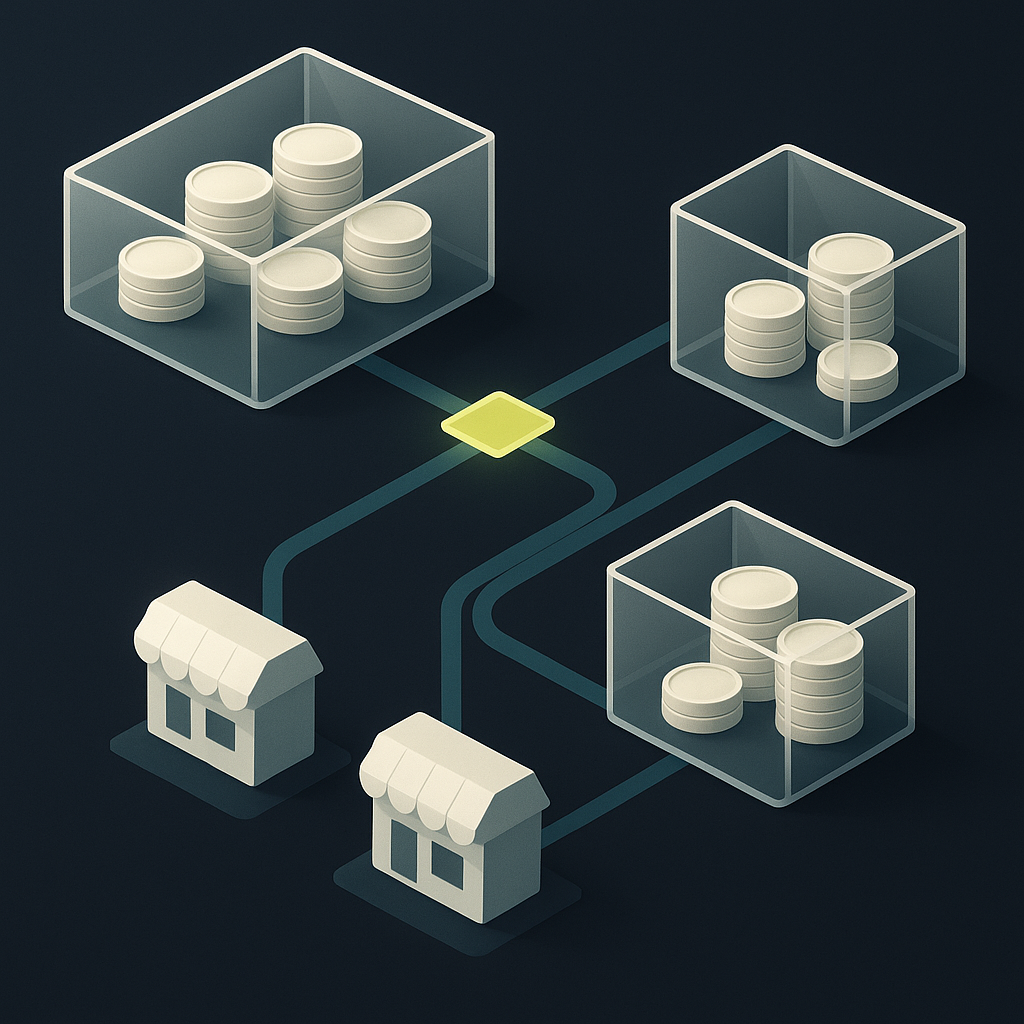
Marketplace Payout: Build a Seller Experience You Can Honor
A reliable marketplace payout starts before money moves. Learn how to connect seller balances, withdrawal rules, payment methods, and exception handling into a promise your platform can keep.

How to Check Shopee Affiliate Commission: Read Your Reports
Your Shopee dashboard estimate, validated commission, and payment record answer different questions. Here’s how to check each and investigate mismatched totals.

TikTok Creator Fund UK: From Rewards to GBP Records
The UK Creator Fund is no longer open. Here is how to approach its successor, distinguish estimated rewards from spendable money, and keep a clear UK payout record.
Run your entire money cycle on one ledger
Global payouts, AP/AR automation, and AI agents with their own wallets and spend limits.
Get started
Discussion
0 commentsBe the first to join the discussion.