

Invoice Automation Platform: Buy for Your Invoice Mix
The right invoice automation platform depends on the invoices your team actually receives. Build a buying case around document complexity, exception workload, and the cost of reaching a correctly posted payable.

An invoice automation platform captures supplier invoices, validates their data, routes approvals, and transfers approved liabilities into your accounting system. Some platforms also support payment execution and reconciliation. For a mid-market finance team comparing options, the best fit is the platform that reduces work across your actual invoice mix—not simply the one with the most impressive extraction demo.
That distinction matters when approvals still happen by email and payments leave through a bank portal. Automating data entry can help without eliminating approval chasing, receipt investigations, posting corrections, or payment preparation.
Buy against the cost of a correctly posted payable. Start with your invoice population, measure the work that survives automation, and use that evidence to compare commercial proposals.
Define what the platform must finish
Invoice capture and invoice automation are not interchangeable. Capture converts documents into structured fields. Automation must also determine whether those fields describe a valid liability, who must approve it, and whether the accounting system accepted it.
Define the contractual endpoint before comparing products:
- Captured: Header and line-item data are extracted, with uncertain fields identified.
- Validated: Supplier, entity, amounts, tax data, and purchasing references pass the relevant checks.
- Approved: Required approvals or permitted policy-based decisions are recorded.
- Posted: The ERP accepts the payable and returns a persistent accounting reference.
- Payment-ready: The approved payable can enter payment preparation without rekeying, subject to separate payment controls.
A platform that stops at an export file may still be useful. But it should not be priced or evaluated as though it removes the work between that export and a posted liability. Likewise, an approved invoice is not proof that its payment has settled.
Segment invoices before comparing vendors
A company with repeat suppliers, disciplined purchase orders, and timely goods receipts has a different automation opportunity from one buying project services through email. A blended invoice count hides those differences.
Build a representative sample spanning ordinary operations and a period-end close. Include rejected documents, credit notes, unfamiliar suppliers, and invoices that required correction—not just successfully posted records.
| Invoice cohort | Likely source of work | Capability to examine | Evidence to collect |
|---|---|---|---|
| PO-backed goods | Missing or partial receipts | Line-level matching and tolerances | Receipt waits and manual resolutions |
| Non-PO services | Coding and owner identification | Allocation suggestions and routing | Corrections and approval touches |
| Recurring invoices | Changes in price or scope | Historical comparisons and policy checks | Changes caught or missed |
| Multi-entity invoices | Wrong legal entity or dimensions | Entity validation and ERP mappings | Posting rejects and reallocations |
| Credit notes | Unclear original-invoice reference | Credit linkage and accounting treatment | Unapplied credits and investigation time |
| Poor-quality documents | Unreadable or ambiguous fields | Confidence-based review queues | Review time and extraction corrections |
Tag each document by intake channel, supplier, entity, currency, PO status, line complexity, and exception reason. Then calculate each cohort’s share of received invoices. Keep the original distribution: removing difficult invoices produces a demonstration sample, not a business case.
Measure the work left after capture
Extraction accuracy is only an input
A correctly read invoice can still require substantial intervention. The PO may be closed, the receipt missing, or the expense split across departments. Conversely, a single uncertain field might be resolved quickly without affecting the rest of the workflow.
Ask vendors to distinguish field-level accuracy, documents requiring correction, and invoices reaching the agreed endpoint without intervention. Those measures answer different questions.
For a defensible definition of the last measure, use a consistent touchless invoice processing boundary. Do not compare one vendor’s capture-only rate with another’s capture-to-posting rate.
Separate processing effort from waiting
Record both active handling time and elapsed time. An invoice can consume little AP labor but wait days for a service owner to confirm delivery. Faster extraction will not solve that delay.
For each exception, identify the next action, its owner, and the evidence needed to resolve it. Your queue should distinguish a supplier correction from an internal approval delay or an ERP failure. Otherwise, automation can make the backlog more visible without making it easier to clear.
Approval design also matters. Define delegation, escalation, and material-change rules before configuring software; the invoice approval workflow guide covers those policy decisions in more detail.
Treat AI assistance as a controlled action
Forrester’s discussion of AP invoice automation identifies expanding agentic capabilities as a market development. That is a reason to examine permissions and decision evidence—not to assume autonomous processing will fit every invoice.
Distinguish suggesting an expense code from posting it, and requesting a missing receipt from approving the liability. Require the platform to show the inputs, applicable policy, action taken, and escalation path. Extraction confidence is not authorization to pay.
Build a mix-adjusted cost model
Industry cost-per-invoice benchmarks can be misleading when they use different process boundaries or invoice populations. Start with your own baseline and apply the same accounting treatment to every proposal.
Recurring cost per posted invoice = recurring platform, connector, support, and in-scope labor costs ÷ successfully posted invoices.
Track received documents separately. Duplicate submissions, rejected invoices, and rescans may generate charges or work without creating another payable. Include their handling cost in the numerator rather than quietly dropping it.
For labor planning, calculate:
Expected monthly handling hours = the sum, across invoice cohorts, of monthly invoice volume × average active handling minutes ÷ 60.
Use observed pilot handling time where available. Maintain separate assumptions for supplier follow-up, approver effort, integration support, and routine administration. Show one-time implementation, migration, and training costs separately, then include them in the full contract-period comparison.
Hypothetical example: the cheaper capture engine
Consider two proposals. One offers a lower document-processing fee but leaves non-PO coding and receipt follow-up to AP. The other costs more but reduces those activities.
If your invoices are mostly clean PO-backed purchases, the lower-fee proposal may be sufficient. If service invoices dominate, its residual handling cost may outweigh the subscription saving. Neither conclusion follows from extraction accuracy alone.
Also distinguish capacity from cash savings. Reclaimed hours can support growth or faster close activities without reducing payroll. Do not count them as immediate cash savings unless there is a credible staffing or outsourcing change.
Price the ERP boundary, not just the connector
The Viewpoint Analysis accounts payable software buyer guide emphasizes fit with the existing financial environment. Turn that principle into a specific data and responsibility map.
Document which system owns supplier records, purchasing data, coding dimensions, approvals, and invoice status. Confirm the supported ERP version and whether the integration handles your entities and custom fields. A connector name alone does not establish that coverage.
Ask what happens when the ERP accepts a posting but its acknowledgment never reaches the platform. Recovery should check the existing transaction before attempting another posting. Also establish who fixes expired credentials, closed-period errors, and changed accounting dimensions.
When reviewing Payouts.com integrations or another provider’s approach, request the mapping and error-ownership model alongside the connection diagram. Integration maintenance belongs in the cost model, even when the initial connection is bundled.
Turn the invoice sample into a buying decision
Use this commercial checklist before signing:
- Agree on the endpoint: State whether the scope ends at extraction, approval, ERP posting, or payment readiness.
- Preserve the invoice mix: Require results by cohort as well as an overall result.
- Measure residual work: Capture active handling, waiting time, corrections, and unresolved exceptions.
- Define billable units: Clarify charges for pages, invoices, credit notes, duplicate uploads, reprocessing, users, and entities.
- Assign operating responsibilities: Name owners for queue management, policy changes, connector failures, and supplier follow-up.
- Cost the transition: Include open-invoice migration, parallel operations, training, and legacy-system retirement.
- Protect auditability and exit: Confirm export access to source documents, decision history, accounting references, and configuration records.
A useful final comparison is a cohort-level workload forecast with a commercial proposal attached—not a feature score detached from how your team operates.
Choose the platform that removes your expensive work
The right invoice automation platform does more than read documents. It reduces the cost of turning your particular invoices into correctly recorded liabilities while preserving ownership of exceptions and approvals.
Start with a representative invoice sample and a clearly defined processing endpoint. Then explore Payouts.com AP Automation for invoice capture, approvals, and payment, using that workload model to frame the evaluation. The decisive question is not how much automation a platform advertises, but how much controlled, repeatable work it removes from your operation.
Created with AI assistance. Sources are linked in the article; this content is general information, not legal, tax, or financial advice.
Discussion
34 commentsRelated resources
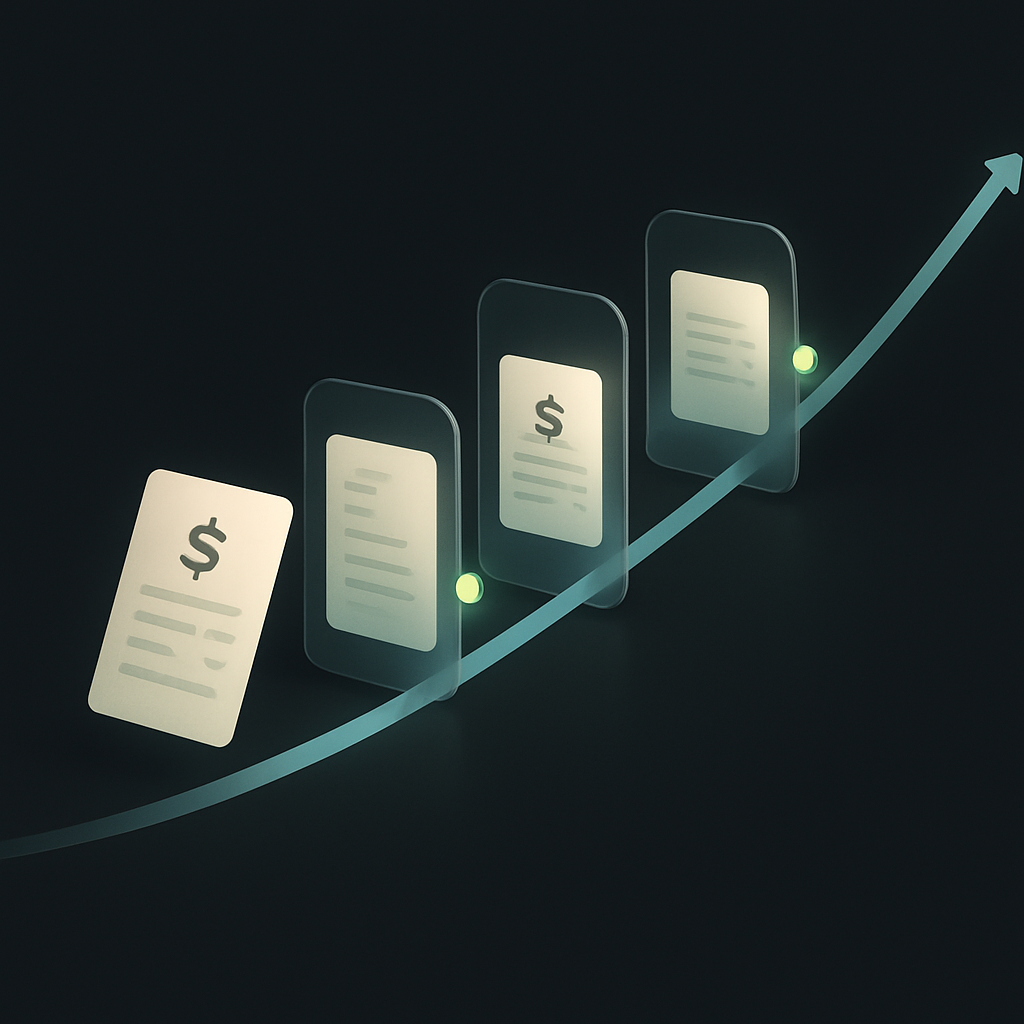
Touchless Invoice Processing: What It Really Means and How to Get From 0% to 80%+
Touchless invoice processing isn't a switch you flip — it's a rate you climb. Here's what it really means, how to measure it, and a step-by-step path from 0% to 80%+.
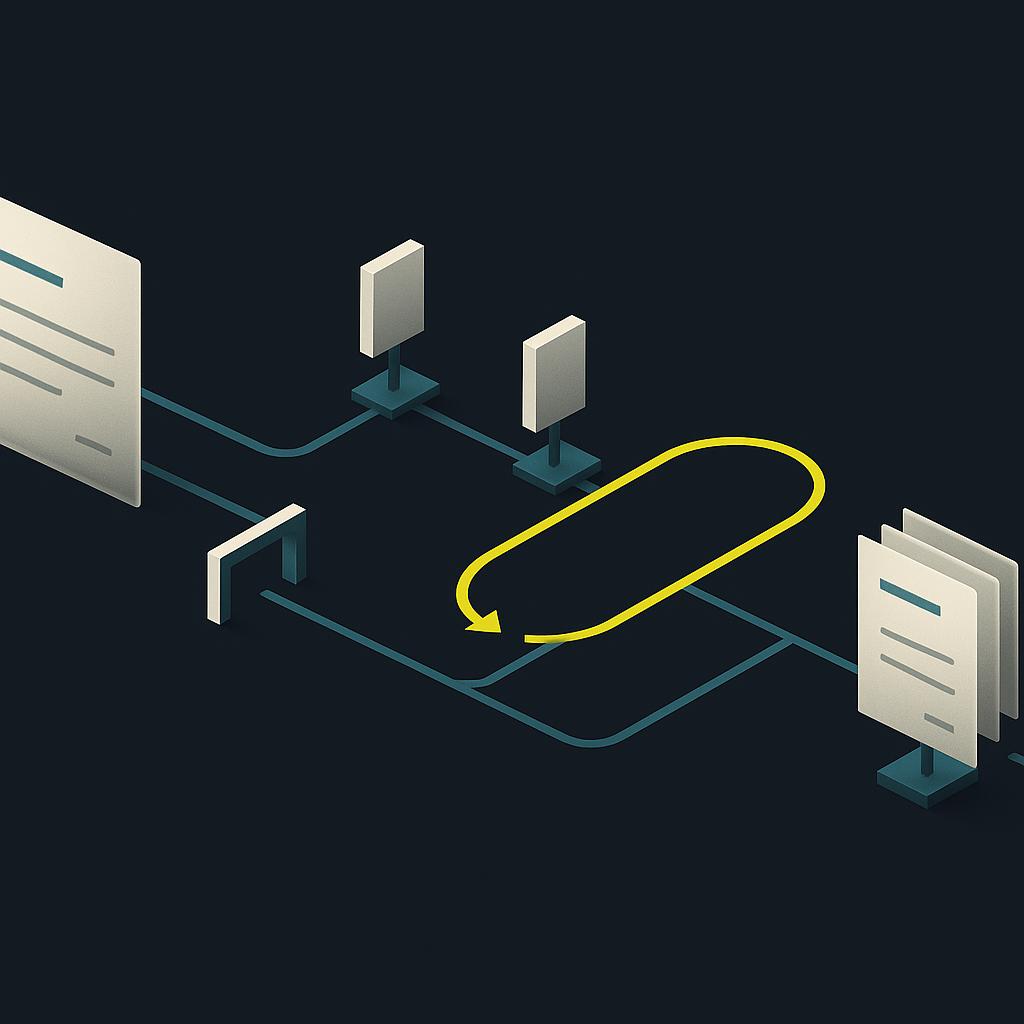
Invoice Approval Workflow: Build a Matrix That Holds Up
An effective invoice approval workflow defines who can approve, what evidence they need, and when approval must reset. Use this framework to turn an email-based process into enforceable rules.

Supplier Payment Terms: Negotiate, Govern, and Automate
Supplier payment terms are a commercial agreement, not just a due-date field. Learn how to negotiate workable terms and preserve them through invoice capture, approvals, and payment.
Run your entire money cycle on one ledger
Global payouts, AP/AR automation, and AI agents with their own wallets and spend limits.
Get started
The distinction between extraction accuracy and documents requiring correction is critical. We had a vendor demo 98% field accuracy but when we tracked it in production nearly 40% of invoices still needed some kind of manual touch before posting—mostly PO mismatches and missing receipts, not OCR errors.
Exactly this. We learned to ask vendors for the touchless-to-posted rate instead of field accuracy. One vendor quoted 95% extraction but only 62% actually made it to the GL without someone intervening on PO status, coding, or approval routing.
Exactly this. We learned to ask vendors for the touchless-to-posted rate instead of field accuracy, and the numbers dropped from 95% to about 60%. The article's point about measuring work that survives automation is the only metric that actually matters for ROI.
The advice to build a representative sample including rejected documents and credit notes is spot on. We ran three vendor pilots last year using only clean, successfully posted invoices and every single platform looked great in the demo, then fell apart in production when we hit the backlog of disputed invoices and mismatched POs.
The invoice cohort table is a good framework but I wish the article had said more about how to handle invoices where the supplier submits both PO-backed and non-PO lines on the same document. We see this constantly with our logistics vendors and none of the platforms we demoed had a clean way to route partial approval without manual splitting.
We handle this by flagging any invoice with mixed line types at capture and routing the whole document through a manual allocation step before approval. Not elegant, but it prevents half the invoice from posting while the other half sits in limbo.
We ran into the same thing with construction suppliers—mixed PO and non-PO lines on one invoice. Our workaround was to treat the entire document as non-PO if any line lacks a reference, then route it through manual coding with the PO lines pre-filled as a suggestion. Not ideal, but at least it keeps the approval path predictable.
The point about not comparing one vendor's capture-only rate with another's capture-to-posting rate is critical and frequently ignored in vendor proposals. We had two finalists both claiming 95% accuracy but one was measuring field extraction and the other was measuring invoices that reached our ERP without manual touch, which made the whole evaluation meaningless until we forced them to use the same definition.
We now put the endpoint definition in the RFP itself and make vendors run a proof-of-concept batch all the way to a test ERP instance. Eliminates most of the apples-to-oranges problem before commercial discussions even start.
We learned this the hard way too. Now we insist vendors run a test batch through to GL posting with our actual ERP connection active, not just show us extracted fields in their UI.
The point about separating active handling time from elapsed time is critical and often ignored in vendor demos. We had a platform that reduced our AP team's touch time per invoice from 8 minutes to 2 minutes, but average cycle time actually went up because approver delays became the bottleneck and we had no visibility into who was sitting on what.
We saw the same pattern. The solution was instrumenting the approval step separately and building automated reminders with escalation after 48 hours. Extraction speed doesn't matter if invoices sit in someone's email for a week.
We solved this by pushing approval metrics into manager dashboards and setting escalation thresholds at 48 hours. The automation platform itself was fine, but we needed workflow enforcement outside of it to actually move cycle time.
The point about treating AI assistance as a controlled action is going to age well. We're already seeing vendors pitch autonomous coding and approval as default settings, but the logging and audit trail on those decisions is still pretty immature. Extraction confidence thresholds are not the same thing as business rule validation, and conflating the two is how you end up with posted invoices that shouldn't have cleared.
Completely agree. We're requiring vendors to surface not just the confidence score but the actual ruleset or model inputs that triggered a coding suggestion. When an invoice gets auto-coded to a GL account, we need to see whether that was based on vendor history, line description parsing, or something else entirely—especially before we let it flow into a payment batch.
Completely agree. We're requiring vendors to surface not just the confidence score but the actual logic path—what policy rule fired, what historical pattern matched, what field triggered the coding suggestion. Otherwise you're just moving the black box from email chains into the platform.
The segment table is helpful but we found that multi-entity invoices actually need a sub-segment for cross-entity allocations versus straight misrouting. The former requires policy decisions that no extraction engine can automate, and that work shows up nowhere in vendor demos.
Agreed. Cross-entity allocations are a policy layer problem, not an extraction problem. We ended up tagging those invoices at intake and routing them to a different queue with treasury involved from the start, which at least kept them from clogging the normal AP flow.
Good point. We see the same distinction, especially when an invoice splits costs across subsidiaries with different functional currencies or local VAT treatment. The routing logic is simple but the allocation itself needs a finance decision, and most platforms still dump that into a spreadsheet outside the workflow.
The recurring cost formula at the end is deceptively simple but gets messy fast when you have multiple legal entities with different ERP connectors and some platforms charge per entity vs per document. We're comparing three vendors right now and normalizing the pricing models alone has been a project.
We ended up creating a weighted invoice unit that normalized for entity count, document volume, and integration complexity. Then we could at least compare proposals on a per-unit basis instead of trying to reconcile per-entity vs per-invoice vs tiered platform fees across different vendor models.
We hit this too. Ended up building a separate spreadsheet that modeled each vendor's pricing structure against our actual entity count, average monthly volume per entity, and seasonal spikes. The connector cost split alone changed our ranking—one vendor looked cheap until we realized each subsidiary ERP instance was billed separately.
The part about approval design mattering really resonates. We spent six months optimizing extraction accuracy only to realize our actual bottleneck was unclear delegation rules and people ignoring email approval requests. Fixing the workflow policy cut our cycle time more than any OCR improvement did.
Same here. We finally moved approvals into Slack with a 48-hour auto-escalate rule and tracked turnaround by manager. Turned out three people were responsible for 60% of our aging invoices—no extraction model was ever going to fix that.
This is a common pattern. We had the same issue and ended up embedding approvals directly in Teams with escalation triggers after 72 hours. The platform could deliver a perfectly clean invoice but it still sat in someone's inbox for a week.
One thing I'd add: measure the cost of fixing errors that make it through to posting. We had a vendor with 98% accuracy but the 2% that got through wrong created journal entry nightmares during close. Sometimes a confidence flag that stops the invoice is better than a confident wrong guess.
This is exactly why the article's point about defining the contractual endpoint matters. If the vendor is only responsible for extraction and not validation through to posting, you own that 2% problem. We now require vendors to define their escalation trigger and show us the logic—not just the confidence score.
Agreed. We started requiring vendors to flag low-confidence extractions instead of auto-posting anything above 95%. The review queue got bigger but our period-end correction volume dropped by half. Worth the tradeoff when you're trying to close in five days.
Appreciate the distinction between captured vs posted. We're currently stuck with a platform that extracts fields beautifully but dumps everything into a spreadsheet for us to upload. The demo looked great but we're still doing half the work manually and paying for automation.
This is exactly why the article's point about defining the contractual endpoint matters. If you're paying for automation but still manually uploading CSVs, the vendor should be pricing it as extraction-only, not end-to-end. Worth revisiting that contract language.
Same experience here. Our vendor hit 97% extraction accuracy in the pilot but we never discussed what happens after extraction. Turned out their workflow engine couldn't handle our entity validation rules, so we export to CSV, scrub it, then import to NetSuite. Should have insisted on the full posted-payable test with our actual invoice mix before signing.
The segment table is really useful. We've been lumping all invoices together when evaluating platforms and our non-PO services cohort is the one that actually burns time, not the PO-backed stuff. Going to rebuild our RFP scoring around this.
Exactly. We made the same mistake and kept hitting a wall on non-PO consulting invoices because the demo focused entirely on three-way match scenarios. Once we split our population the same way, it became obvious which platforms could actually handle allocation routing and which just punted everything to a manual queue.
We did the same thing last quarter. Once we split out project-based invoices from recurring vendor spend, the ROI calculations changed completely. Turned out we needed stronger routing and approval logic, not just better OCR.