

Supplier Payment Automation: Retire the Manual Payment Run
Automating invoice approval does not eliminate the manual payment run. Learn what finance teams should automate next—and how to prove the spreadsheet and bank-portal work can actually disappear.
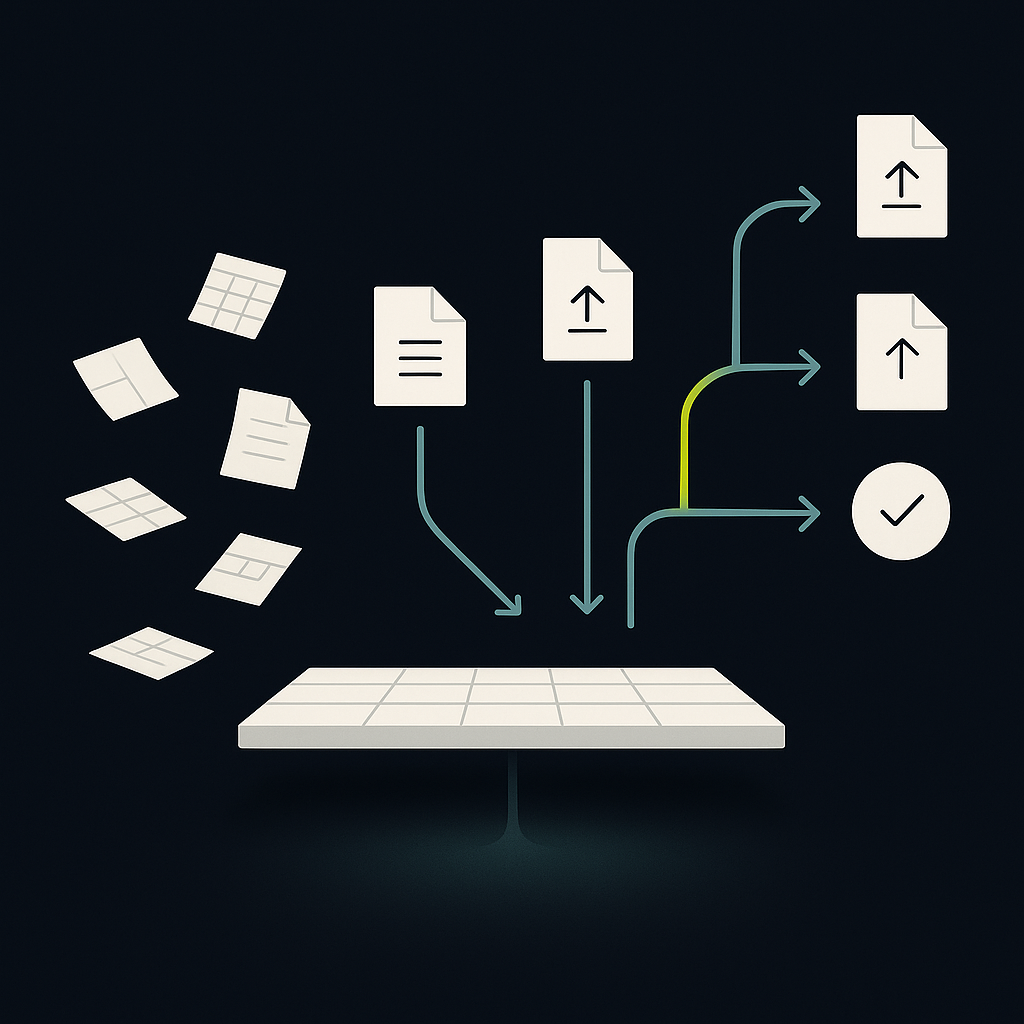
Supplier payment automation uses software to turn approved supplier liabilities into scheduled payments, remittance notices, and reconciled accounting records. It connects invoice approval to money movement without requiring AP to rebuild payment instructions in spreadsheets or rekey them into a bank portal.
For mid-market finance teams comparing options, the important question is not simply whether a platform can send payments. It is whether the platform can retire the manual payment run—including credit adjustments, funding checks, rejected instructions, and accounting updates—without weakening control.
The most useful buying lens is therefore manual work retired, not features acquired. A polished invoice workflow can still leave your team assembling the same payment spreadsheet every week.
Define the work your payment run actually performs
Invoice automation and payment automation solve related but different problems. Invoice processing establishes what the business owes and whether it is authorized. Payment automation determines what can be paid, from which account, under which instructions, and how the outcome reaches the ledger.
The upstream workload remains significant: SAP Concur’s summary of the IFOL 2025 Accounts Payable Automation Trends report states that 66% of AP teams still manually key invoices into ERP or accounting software. That finding concerns invoice entry, not payment execution; improving one does not establish that the other is automated.
Before comparing platforms, document what your current payment spreadsheet contains. Each column usually represents a business rule or an unresolved system handoff.
| Manual activity | Automation requirement | Evidence to request |
|---|---|---|
| Select invoices for payment | Eligibility rules and exclusions | Reason for every inclusion or hold |
| Apply credits and partial payments | Invoice-level balance allocation | Correct remaining payable |
| Check cash availability | Funding checks by entity and currency | Unfunded instructions blocked |
| Build a bank upload | Validated payment instruction creation | Source-to-instruction traceability |
| Release the payment run | Authorization tied to payment details | Changes trigger required reapproval |
| Handle rejected payments | Item-level exception handling | Only eligible failed items retried |
| Send remittance and post results | Linked supplier and ledger updates | Payment-to-invoice reconciliation |
This inventory defines your replacement scope. If software handles invoice capture but leaves payment selection, uploads, and posting untouched, it may still be valuable—but it has not retired the payment run.
Build a payment proposal, not another spreadsheet
Separate approval from payment eligibility
An approved invoice is not automatically ready to pay. It may have an unresolved credit, an unverified beneficiary change, a dispute, or an existing payment in flight.
A useful payment proposal evaluates approved open balances against due dates, supplier holds, payment terms, permitted methods, and available funding. Every exclusion should have a visible reason and an owner. Otherwise, staff will recreate an offline list to track what the system left behind.
Preserve the distinction between touchless invoice processing and touchless payment execution. Human review can remain appropriate for specific payment risks even when invoice capture and matching require no intervention.
Keep invoice balances separate from payment instructions
One supplier payment may settle several invoices. One invoice may also require several payments. Software must preserve those relationships rather than treat an invoice’s status as a simple paid-or-unpaid switch.
Require explicit allocation of credits, discounts, withholding where applicable, and partial payments. Credit application should respect legal entity, currency, and accounting policy; combining balances simply because the supplier name matches can produce an incorrect payable.
A useful proposal shows the original liability, adjustments, proposed cash amount, and remaining balance. That gives approvers an understandable decision rather than an unexplained batch total.
Make funding a constraint, not an afterthought
The proposal should identify the paying entity, funding account, currency, and expected debit timing. A balance displayed in a dashboard may not represent spendable funds after pending payments, reservations, or provider funding requirements.
Automation should surface a funding shortfall before release and route it to the responsible treasury or finance owner. It should not silently switch accounts or currencies to make a payment succeed.
Preserve controls when the spreadsheet disappears
Email approvals often carry context that a replacement system must capture explicitly: who approved, what they reviewed, and whether payment details changed afterward.
Require payment authorization to reference the actual instruction details, including beneficiary, amount, currency, and funding account. Define which changes invalidate that authorization. A supplier bank change should follow an independent verification process, not inherit approval from an earlier invoice review.
ApprovalMax’s discussion of AP automation trends highlights vendor bank-detail changes as a control concern. It is vendor commentary rather than an independent measure of platform effectiveness, but the operational implication is useful: evaluate the change workflow, not merely whether bank fields are stored securely.
The same principle applies to AI. An agent can prepare a proposal, explain a hold, or draft supplier correspondence. Its ability to recommend an action should not automatically grant authority to change a beneficiary or release funds. Permissions, approval requirements, and execution records must remain explicit.
Design for uncertain and partial outcomes
A payment run is a collection of instructions, not a single indivisible event. Some instructions may be accepted while others are rejected. An accepted instruction may subsequently be returned. A technical timeout may leave the submission outcome unknown.
Ask providers to distinguish at least these operational conditions:
- Not submitted: no instruction has left the platform.
- Submitted or accepted: the provider has received the instruction, but supplier receipt is not established.
- Rejected: the instruction cannot proceed in its current form.
- Outcome unknown: confirmation is missing; investigation is required before retrying.
- Completed or returned: supported by the evidence available from the relevant payment method.
Stable instruction identifiers and idempotent submission help prevent duplicate execution when a request is repeated. They do not replace investigation when an external provider’s status is ambiguous. The system needs a defined status-check and escalation path.
Also distinguish resubmitting an existing instruction from creating a replacement payment after a confirmed failure. Preserve both records and their relationship. For a deeper treatment of recovery, see the failed-payment recovery guide.
Hypothetical example: a partially accepted payment run
A finance team releases payments to established suppliers. Most instructions are accepted, one fails bank-field validation, and another receives no definitive submission response.
A sound workflow leaves accepted payments alone, sends the validation failure to AP for correction, and holds the uncertain instruction for status verification. It does not offer an indiscriminate “retry batch” action. Supplier notices describe the actual status rather than declaring every invoice paid.
That exception behavior is a better buying signal than a demonstration in which every payment succeeds.
Close the accounting loop without hiding unfinished work
Payment execution and accounting synchronization can fail independently. A successful payment with a failed ERP update must enter an accounting exception queue—not become eligible for payment again.
Evaluate ERP and accounting integrations around ownership and recovery, not just connector availability. Establish which system owns invoice balances, supplier records, payment status, and posting decisions. Define how each handles conflicts and delayed updates.
Reconciliation should connect payment instructions, cash movements, fees, FX differences where relevant, and invoice allocations. Remittance should give suppliers enough detail to apply the payment, while clearly distinguishing an initiated payment from confirmed completion.
Prove that manual work can be retired
Use a controlled pilot to test an operating model, not merely software access. Start with a representative supplier group and include exceptions deliberately.
- Record the baseline. Track payment preparation, authorization, supplier inquiries, exception handling, and reconciliation work separately.
- Run proposals in shadow mode. Compare automated selections with the existing process without creating duplicate live submissions.
- Test difficult cases. Include credits, partial payments, beneficiary changes, insufficient funding, timeouts, and ERP writeback failures.
- Assign exception ownership. Specify who investigates, what evidence permits release, and how unresolved cases escalate.
- Execute a controlled live cohort. Reconcile cash, supplier allocations, and accounting entries before expanding scope.
- Remove redundant work. Retire the spreadsheet or upload step only when its rules and evidence exist in the replacement workflow.
Measure manual interventions per payment and the age of unreconciled items alongside cost per invoice. Define the cost boundary: if payment operations are excluded, invoice savings alone cannot demonstrate end-to-end improvement. Avoid counting a payment as touchless if somebody repairs its accounting record afterward.
Choose automation that removes work, not visibility
Supplier payment automation succeeds when routine payments proceed under policy and exceptions become easier to resolve. It should eliminate rekeying and duplicate tracking—not the evidence finance needs to explain where money went.
Payouts.com brings AP/AR automation, global payouts, real-time treasury, and AI digital employees into a financial operating system built around one ledger. Explore Payouts.com AP Automation with your current payment-run inventory, then ask for a walkthrough that follows an approved liability through a partial failure and back into accounting. That is where the practical fit becomes clear.
Created with AI assistance. Sources are linked in the article; this content is general information, not legal, tax, or financial advice.
Related resources

Touchless Invoice Processing: What It Really Means and How to Get From 0% to 80%+
Touchless invoice processing isn't a switch you flip — it's a rate you climb. Here's what it really means, how to measure it, and a step-by-step path from 0% to 80%+.

Multi Currency Payouts: A Failed-Payment Recovery Guide
A returned cross-border payment is not simply the original transaction in reverse. Learn how to preserve the recipient’s currency entitlement, manage FX differences, and retry payments without creating duplicates.
Supplier Payment Terms: Negotiate, Govern, and Automate
Supplier payment terms are a commercial agreement, not just a due-date field. Learn how to negotiate workable terms and preserve them through invoice capture, approvals, and payment.
Run your entire money cycle on one ledger
Global payouts, AP/AR automation, and AI agents with their own wallets and spend limits.
Get started
Discussion
0 commentsBe the first to join the discussion.