

Supplier Payment Form: A Practical Template for AP Teams
A supplier payment form should collect payment-ready data without turning every invoice into another onboarding exercise. Use this field template and workflow checklist to connect supplier submissions to controlled AP processing.
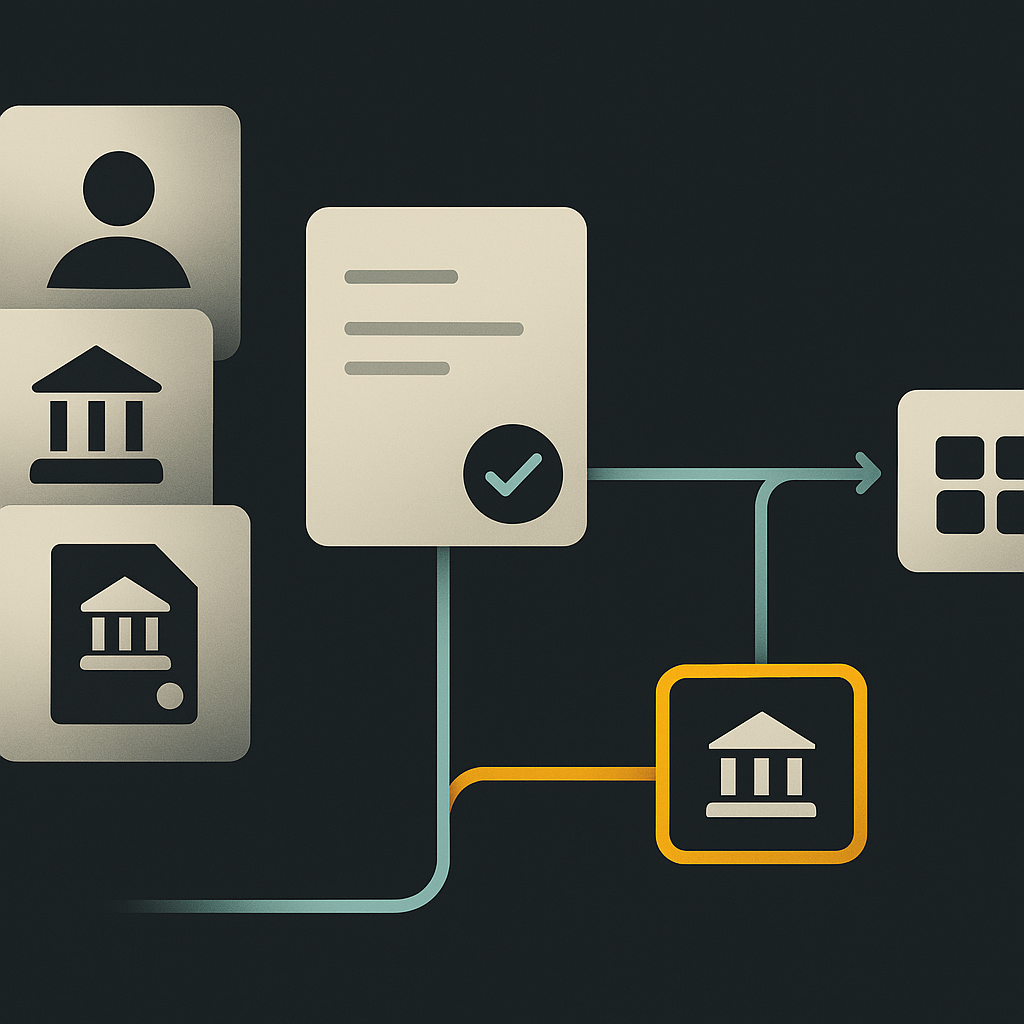
A supplier payment form is a structured document or digital submission used to collect supplier details and request the setup, change, or execution of a payment. It typically includes supplier identity, payment instructions, relevant invoice information, and internal approval references.
The important distinction is purpose: setting up a supplier, changing its bank account, and authorizing an invoice payment are different actions. A useful form routes each action to the right checks instead of treating a completed document as permission to move money.
For finance teams replacing email approvals and bank-portal entry, the goal is not simply a digital form. It is a reliable handoff from supplier-submitted information to verified records and approved payments.
Choose the form’s purpose before choosing its fields
The term can describe several documents. Institutional examples illustrate the distinction: Ohio University publishes a Supplier/Payee Information Form, while UCSF publishes a separate Payment Request Form. These are organization-specific processes, not universal templates or regulatory standards.
Your first field should identify the request type:
- New supplier setup: establish identity, tax documentation where applicable, and verified payment instructions.
- Supplier detail change: identify the existing record and submit only the relevant changes, with additional verification for sensitive fields.
- Payment request: reference an existing supplier and provide the invoice, accounting allocation, and evidence needed for approval.
A combined digital form can support all these routes through conditional sections. But an invoice payment request should normally select an approved beneficiary rather than ask someone to retype bank details.
Supplier payment form template: fields and ownership
Use the following as a reusable field specification for a PDF, secure intake form, or supplier portal. Separate supplier-provided facts from internal decisions. Not every field belongs on every request.
| Section | Fields to include | Completed by | Design rule |
|---|---|---|---|
| Request identity | Request type, request ID, submission date, buying entity | Requester and system | Route setup, changes, and payments separately |
| Supplier identity | Legal name, trading name, registered address, country, existing supplier ID | Supplier or requester | Search for an existing record first |
| Contacts | Business contact, remittance contact, email, phone | Supplier | New contact details are not verification evidence |
| Tax documentation | Applicable tax identifier, form type, secure document reference | Supplier | Conditional on jurisdiction and payee status |
| Payment destination | Account-holder name, bank country, currency, payment method, account and routing identifiers | Supplier | Show fields required by the selected rail |
| Change request | Supplier ID, fields changing, reason, requested effective date | Authorized supplier contact | Do not overwrite the active record immediately |
| Payment request | Invoice number, date, amount, currency, due date, PO reference | Internal requester or invoice capture | Link to the invoice rather than create another payable |
| Accounting and evidence | Cost center, project, coding, invoice attachment, receipt or service confirmation | Requester and AP | Require evidence appropriate to the purchase |
| Supplier declaration | Submitter name, role, accuracy confirmation, submission timestamp | Supplier | Declaration does not replace verification |
| Internal control record | Verification status, reviewer, approval reference, record version, release status | AP and system | Keep internal fields supplier-inaccessible |
For bank transfers, conditional fields might include an IBAN, domestic routing code, or SWIFT/BIC, depending on the destination and rail. Do not require every identifier globally. A correctly formatted account number also does not prove account ownership.
Tax fields need similar restraint. For US tax documentation, a W-9 or an applicable W-8 series form may be relevant depending on the payee and payment circumstances. Neither is a universal requirement for every supplier worldwide. Have the responsible tax team define the collection rules.
Suggested declaration wording
I confirm that I am authorized to submit these details on behalf of the supplier and that the information provided is accurate. I understand that new or changed payment instructions are subject to independent verification and approval before use.
This is operational wording to adapt with legal review, not a substitute for contractual terms or payment authorization. Do not ask suppliers for online banking passwords, one-time codes, or bank-portal credentials.
Make the submission a controlled request, not a live record
A form captures an assertion. Verification determines whether your business can rely on it. The Skill Dynamics supplier onboarding guide highlights accurate supplier data and verified banking information as important to avoiding payment delays, rework, and fraud exposure.
Build the following handoffs into the workflow:
- Check completeness and possible duplicates. Validate required fields and compare identity details with existing suppliers. Formatting checks should not be labeled identity verification.
- Verify sensitive information. For bank changes, use an established contact channel independent of the request. A callback to a number included in the same suspicious email is not independent verification.
- Complete applicable risk checks. Route business identity, sanctions, tax, and other reviews according to the relevant entities, jurisdictions, and risk policy.
- Approve the record change. Separate the person submitting or entering sensitive changes from the person approving them. Preserve the prior value and supporting evidence under controlled access.
- Approve the payment separately. Confirm the invoice, purchase authorization, receipt or service acceptance, coding, and required approvers.
- Recheck before release. Confirm that the beneficiary version and payment details still match the approved instruction.
The form should feed your invoice approval workflow, not bypass it. Supplier verification does not establish that an invoice is valid; invoice approval does not establish that newly supplied bank details are genuine.
Handle changes without silently changing queued payments
Hypothetical example: a supplier submits a bank-change form while an invoice is awaiting release. The platform updates the supplier record, and the queued payment automatically inherits the new account.
That behavior breaks the link between what was reviewed and what will be paid. A safer design holds affected payments for a policy-defined review or keeps them bound to the previously approved beneficiary version until an explicit decision is recorded. The release screen should make the selected version visible.
A returned payment should likewise trigger investigation, not automatic acceptance of replacement instructions supplied by email.
PDF, digital form, or supplier portal?
A PDF can be a workable interim intake mechanism, but it leaves validation, rekeying, access management, and status tracking to surrounding processes. A generic online form improves structured capture, yet may still lack independent verification and controlled write access to the ERP.
A supplier self-service portal can centralize onboarding and payment communication. Evaluate what happens after submission: authenticated access alone does not prove that a bank change is legitimate, and a portal is not automatically an approval system.
For any format, restrict access to bank and tax data, mask sensitive values where practical, and define retention and deletion rules. Avoid distributing full account details in approval emails when a protected record link will suffice.
What to test when comparing AP automation software
Ask vendors to demonstrate a completed form moving through the workflow, including exceptions. Use this acceptance checklist:
- Conditional fields: does the form change by request type, bank country, currency, and payment method?
- Field ownership: can suppliers edit internal coding, verification status, or approval decisions?
- Change control: can pending bank instructions remain separate from active instructions?
- Evidence: can reviewers retrieve who verified a change, how, and when?
- Integration failure: what happens when the ERP rejects a supplier update? Is the request visibly unresolved?
- Payment linkage: can a payment request reference an existing invoice without creating a duplicate liability?
- Queued-payment behavior: does a beneficiary change trigger an explicit decision before release?
- Supplier usability: can suppliers correct rejected fields without resubmitting unrelated sensitive documents?
Measure form performance through first-submission completeness, correction frequency, verification turnaround, and payment failures attributable to setup data. Define each measure consistently. A faster submission process is not an improvement if it moves unresolved exceptions into payment release.
Turn the form into an automation-ready handoff
The best supplier payment form collects only what the request requires, assigns ownership to each field, and preserves the distinction between submission, verification, approval, and release.
Start by mapping your current form against the template above. Remove repeated data entry, identify sensitive changes, and test the queued-payment scenario before expanding automation. When evaluating Payouts.com AP Automation, use that revised form and checklist to assess how invoice capture, approvals, and payment can work together rather than remain separate email and bank-portal tasks.
Created with AI assistance. Sources are linked in the article; this content is general information, not legal, tax, or financial advice.
Discussion
3 commentsRelated resources

Invoice Approval Workflow: Build a Matrix That Holds Up
An effective invoice approval workflow defines who can approve, what evidence they need, and when approval must reset. Use this framework to turn an email-based process into enforceable rules.
Supplier Payment Solutions: Choose for Your Supplier Mix
The right supplier payment solution reduces work for both AP and suppliers. Compare platform models, uncover hidden operating costs, and build a rollout around the suppliers you actually pay.
Supplier Payment Meaning: Terms, Accounting, and the AP Process
A supplier payment settles an obligation for goods or services, but it is not the same as an invoice or an accounts payable balance. Understanding the distinction helps finance teams automate the right steps without losing control.
Run your entire money cycle on one ledger
Global payouts, AP/AR automation, and AI agents with their own wallets and spend limits.
Get started
I like the template but honestly the declaration wording feels pretty weak. We had legal add language about fraud liability and criminal penalties after a few sketchy submissions. Also worth noting that for ERP integrations, you need a clean data dictionary that maps these fields to your chart of accounts structure, otherwise you're just creating another manual reconciliation step.
The point about separating supplier setup from payment requests is critical. We had vendors editing bank details on invoice submissions and AP would just process them without flagging the change. Cost us about $80k before we caught it. Now any banking change goes through a completely different form with phone verification back to the original contact we have on file.
question on the tax documentation section - are you saying the W-9 requirement should be conditional even for US suppliers? We collect W-9s from every domestic vendor as a blanket policy to avoid backup withholding issues. Is that overkill?