

Supplier Payment Process Flow Chart: A Control-Ready Template
A useful supplier payment flow chart shows more than the route from invoice to payment. Use this template to map decision gates, exception owners, and the evidence needed to move money safely.

A supplier payment process flow chart maps how a supplier invoice moves from receipt through validation, matching, approval, payment, and reconciliation. It should also show the supplier-readiness check before release and the exception routes when documents, approvals, or payment results are missing.
For finance teams replacing email approvals and bank-portal payment runs, the chart is more than documentation. It is a specification for automation: every arrow should identify what allows an invoice to advance, who owns the decision, and what happens when the answer is no.
Supplier payment process flow chart template
Use this text-based flow as your starting point. Keep supplier onboarding as a separate supporting workflow, rather than repeating it for every invoice.
Invoice received → Capture and validate → Check duplicates → Code and match → Approve obligation → Confirm payment readiness → Schedule and authorize release → Execute payment → Confirm outcome and send remittance → Reconcile and close
Supporting workflow: Supplier setup or payment-detail change → Independent verification → Approved supplier record → Payment-readiness gate.
The table below adds the decision branches that a straight-line diagram leaves out. These are recommended workflow-design choices, not a universal regulatory standard.
| Stage | Primary owner | Decision gate | If yes | If no |
|---|---|---|---|---|
| Capture and validate | AP | Required invoice data complete? | Duplicate check | Request correction; revalidate |
| Check duplicates | AP | Clear of unresolved duplicate flags? | Code and match | Review; reject or clear |
| Code and match | AP and receiver | PO match or non-PO evidence valid? | Approval route | Resolve discrepancy; rematch |
| Approve obligation | Authorized approver | Required approval complete? | Payment-readiness check | Hold, return, or reject |
| Confirm readiness | AP and vendor-data owner | Supplier details verified; no holds? | Schedule payment | Resolve hold; recheck |
| Authorize release | Treasury or payment approver | Funding, timing, and authority valid? | Submit instruction | Hold or reschedule |
| Confirm outcome | Payment operations | Required completion evidence received? | Reconcile | Investigate pending, failed, or returned |
| Reconcile and close | Accounting | Invoice, payment, and cash records agree? | Close outstanding balance | Resolve difference; reconcile again |
This sequence follows the broad invoice-processing, approval, payment, and recordkeeping structure described in Stripe’s accounts payable process guide. The additional gates make the handoffs explicit enough to configure and test.
Set the boundaries before drawing the boxes
Separate invoice-to-pay from procure-to-pay
An AP-focused chart usually starts when an invoice arrives. A procure-to-pay chart starts earlier, with the purchasing requirement, authorization, and purchase order. IBM’s procure-to-pay overview describes this broader purchasing-to-payment scope.
For an AP implementation, show the purchase order and receipt as incoming evidence. Do not hide missing receiving records inside a generic “AP review” box: procurement or the business receiver must own that correction.
Separate supplier records from invoice transactions
Supplier onboarding establishes the payee record; invoice processing establishes the obligation. An invoice can be valid while its supplier’s payment details remain unverified.
Draw a dependency between the two workflows at payment readiness. If bank details change after approval, hold release until the change is independently verified through a trusted channel. Do not treat an emailed bank-change request as sufficient evidence.
Define what “done” means
A submitted payment instruction is not necessarily a completed payment. Label submission, processing, completion, failure, and return separately, using the evidence available from the payment provider or bank.
Likewise, distinguish payment completion from accounting closure. A payment may have completed while fees, FX differences, or invoice allocations still need reconciliation.
Turn the template into a swimlane diagram
Use rectangles for activities, diamonds for decisions, and labeled arrows for outcomes. Put activities into lanes for the supplier, AP, business approver or receiver, payment operations, and accounting. Name the actual role in your organization rather than assigning every box to “finance.”
Keep systems separate from accountability: an ERP or automation platform can perform a check, but a named role should own unresolved results.
Add an evidence requirement to every handoff
For each arrow, record the following in the diagram’s accompanying specification:
- Entry condition: What must already be true?
- Evidence: Which document, approval, or payment event proves it?
- Owner: Who resolves a blocked transition?
- Exit condition: What changes the invoice or payment status?
- Escalation: When does the unresolved item move to another owner?
For example, “approved → scheduled” should require the relevant approval record, verified payee details, an open payable balance, and no active payment hold. An approval email alone does not establish all of those conditions.
Draw the PO and non-PO branches explicitly
For applicable PO invoices, three-way matching compares the purchase order, receipt evidence, and invoice. Configure tolerances according to policy, and assign quantity discrepancies to the receiver and commercial discrepancies to procurement.
For non-PO invoices, route to evidence of the obligation, coding, and the authorized business approver. A non-PO path should not become a shortcut around a purchasing policy that required a PO.
Both branches can converge at payment readiness. Use a documented invoice approval workflow to determine which approvals apply rather than sending every invoice through the same executive queue.
Make exception loops safe to restart
A chart that says “resolve exception” without showing the return point is incomplete. The return point determines which controls run again and which previous decisions remain valid.
- Suspected duplicate: Hold processing until AP links the existing record or documents why the invoice is distinct. A revised file should not automatically become a new payable. See the control design behind duplicate invoice detection.
- Missing receipt: Return to the receiver, then repeat matching. Do not substitute an AP override for delivery evidence.
- Material invoice correction: Revalidate and rematch; repeat approval where the changed amount, entity, coding, or scope affects authorization.
- Unknown payment outcome: Investigate the original instruction before creating another. A timeout is not proof of failure.
- Returned payment: Link the return to the original payment, correct the payable status and accounting, verify the cause, and authorize any replacement.
Separate invoice approval from payment release. Where feasible, prevent the person changing supplier payment details from authorizing payment to that supplier. Smaller teams should document compensating independent review rather than implying that software removes staffing constraints.
Hypothetical example: a partial delivery
A supplier invoices the full order, but the receiving record confirms only part of the delivery. The matching decision routes the invoice to the receiver, not directly to the payment queue.
If policy and contract terms permit partial payment, record the approved payable portion and leave the disputed balance visible. Otherwise, hold the invoice pending delivery evidence or a corrected invoice. The diagram must show which route applies and how the remaining balance returns for review; “exception resolved” is not enough.
Use the chart to evaluate AP automation
Bring your diagram to software demonstrations and ask the provider to trace an invoice through both the normal route and a blocked route. A polished capture screen does not demonstrate reliable payment execution or reconciliation.
Test whether ERP and accounting integrations preserve the invoice ID, supplier ID, approval history, payment reference, and outstanding balance across handoffs. Define which system owns each status so conflicting updates do not silently reopen or repay an invoice.
Measure performance at the transitions: capture-to-validation time, time waiting for receipt evidence, approval queue age, payment failure resolution time, and unreconciled-item age. For cost per invoice, use a consistent period and scope, and include exception work rather than counting only data entry.
Touchless processing should mean that an eligible transaction passes documented controls without manual intervention—not that controls disappear. Keep low-confidence data, disputed obligations, and unverified payment changes outside the automatic-release path.
Checklist: validate the flow before configuring it
- Define the start, end, and upstream purchasing dependencies.
- Assign an accountable role to every activity and exception queue.
- Label every decision branch, including rejection and cancellation.
- Document the evidence required to advance each status.
- Show PO, non-PO, partial-payment, and credit-adjustment handling.
- Specify which changes trigger renewed validation or approval.
- Distinguish payment submission from completion and reconciliation.
- Test a missing receipt, bank-detail change, duplicate, timeout, and return.
- Confirm that the audit trail explains both the original decision and any restart.
The best flow chart is one your team can execute and your systems can enforce. Start with the template, replace generic owners with your roles, and expose the exception paths before automating them. Then evaluate Payouts.com AP Automation against that map—from invoice capture and approvals through payment—using your own transaction scenarios as the demonstration brief.
Created with AI assistance. Sources are linked in the article; this content is general information, not legal, tax, or financial advice.
Related resources
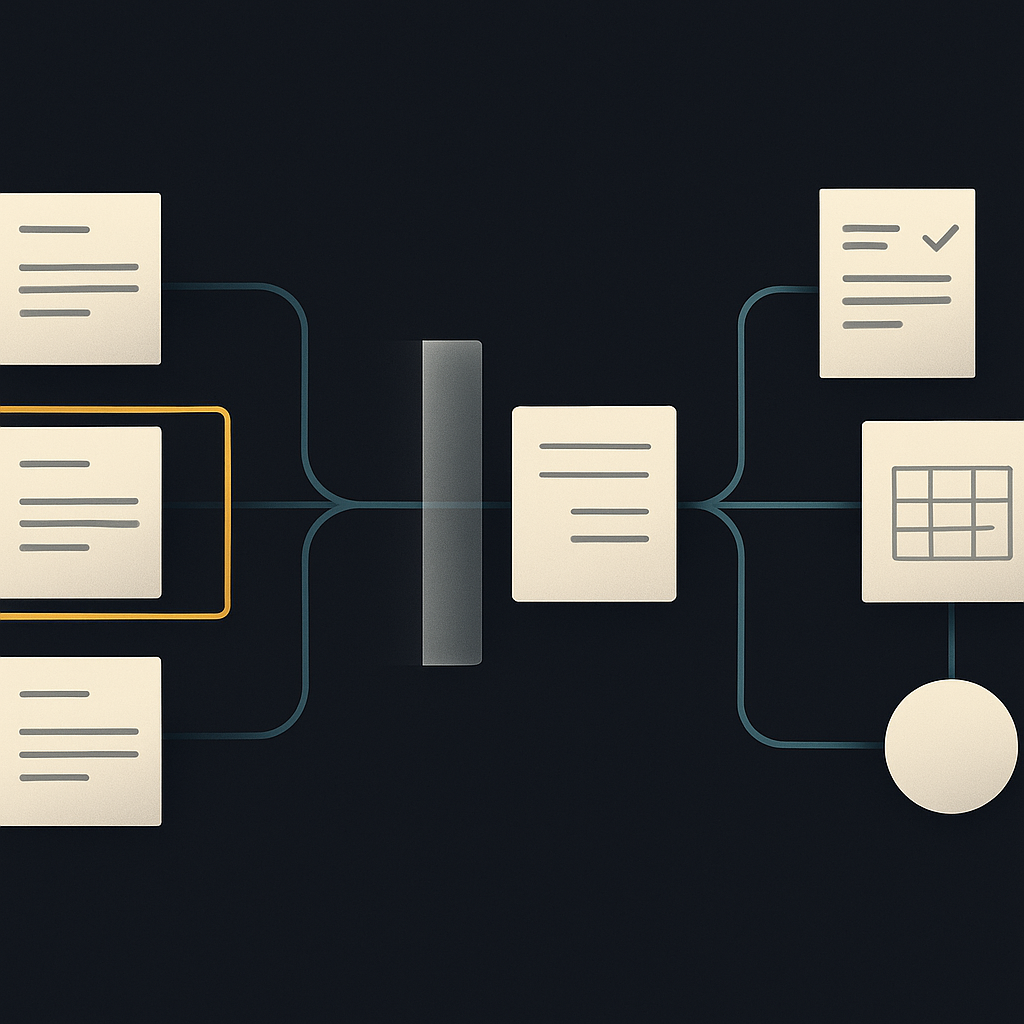
Duplicate Invoice Detection: Evaluate the Control, Not the Alert
A duplicate alert is not the same as a prevented payment. Learn how to evaluate matching accuracy, exception handling, and payment-release controls before choosing AP automation.
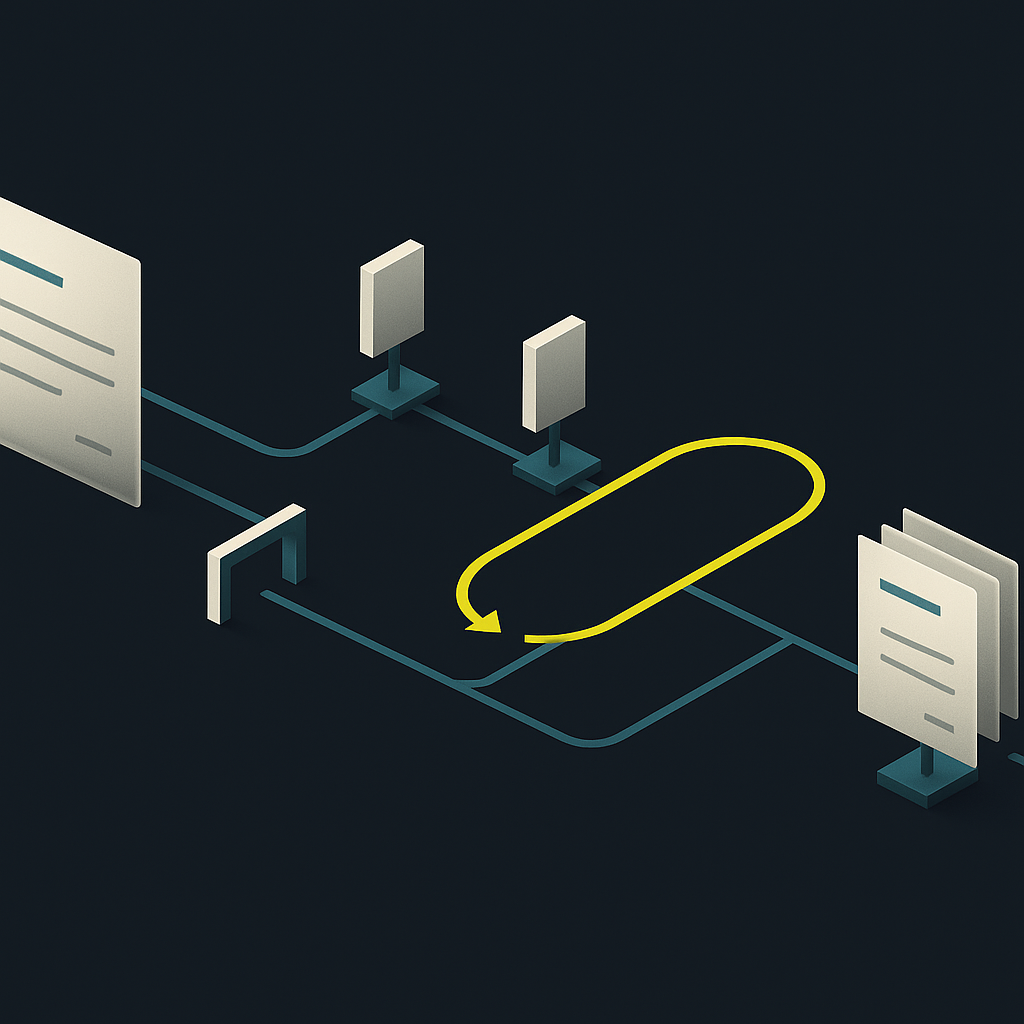
Invoice Approval Workflow: Build a Matrix That Holds Up
An effective invoice approval workflow defines who can approve, what evidence they need, and when approval must reset. Use this framework to turn an email-based process into enforceable rules.
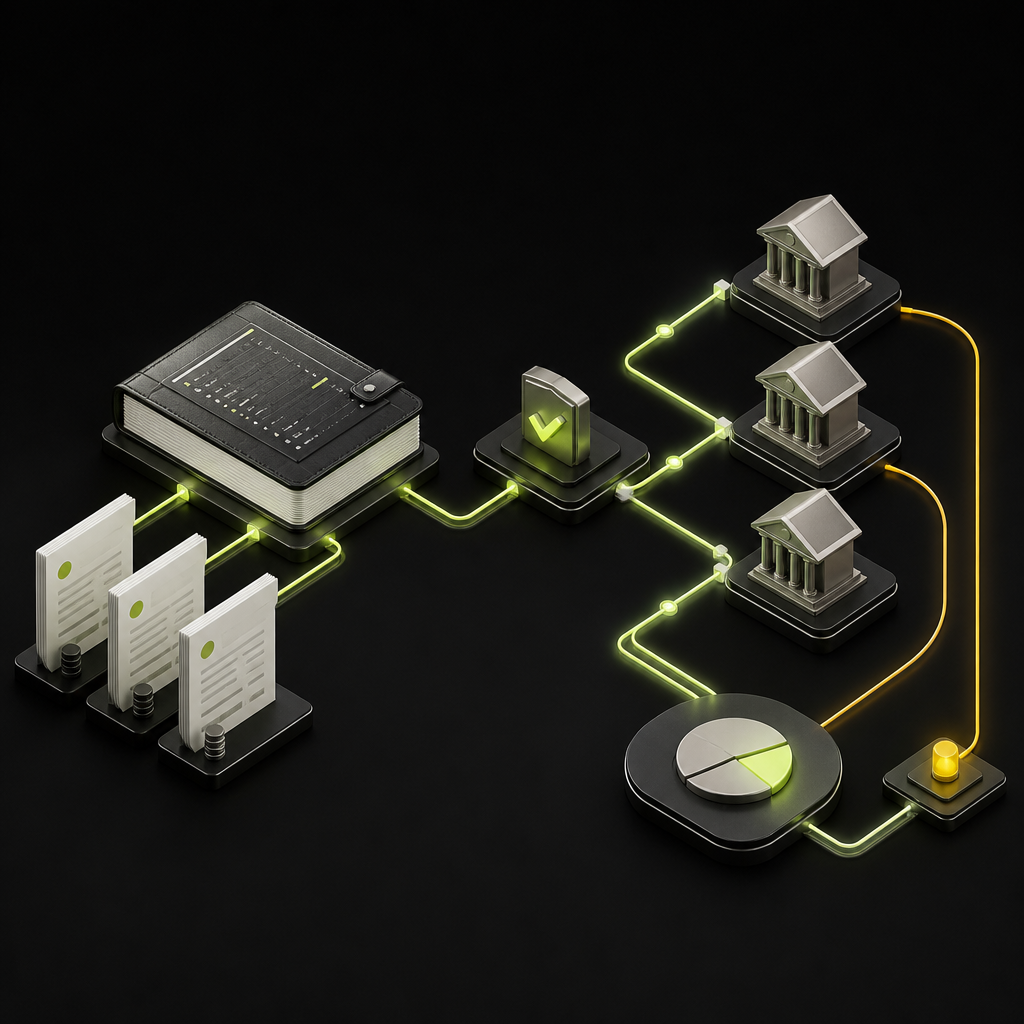
Sage Supplier Payments: Native Tools, Add-Ons, and AP Fit
Recording a supplier payment in Sage is not the same as executing and reconciling it. Here is how to evaluate native workflows and add-ons against your actual AP requirements.
Run your entire money cycle on one ledger
Global payouts, AP/AR automation, and AI agents with their own wallets and spend limits.
Get started
Discussion
0 commentsBe the first to join the discussion.